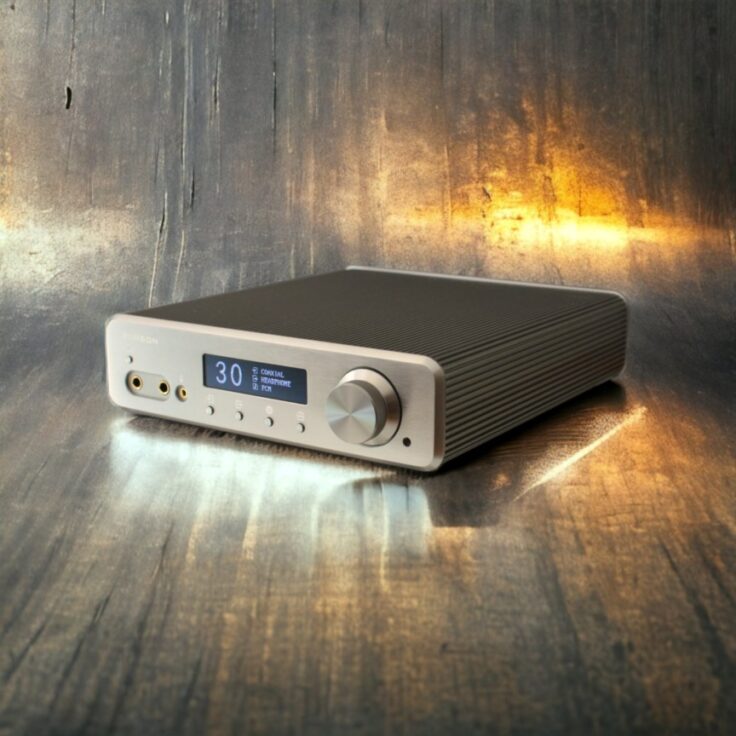

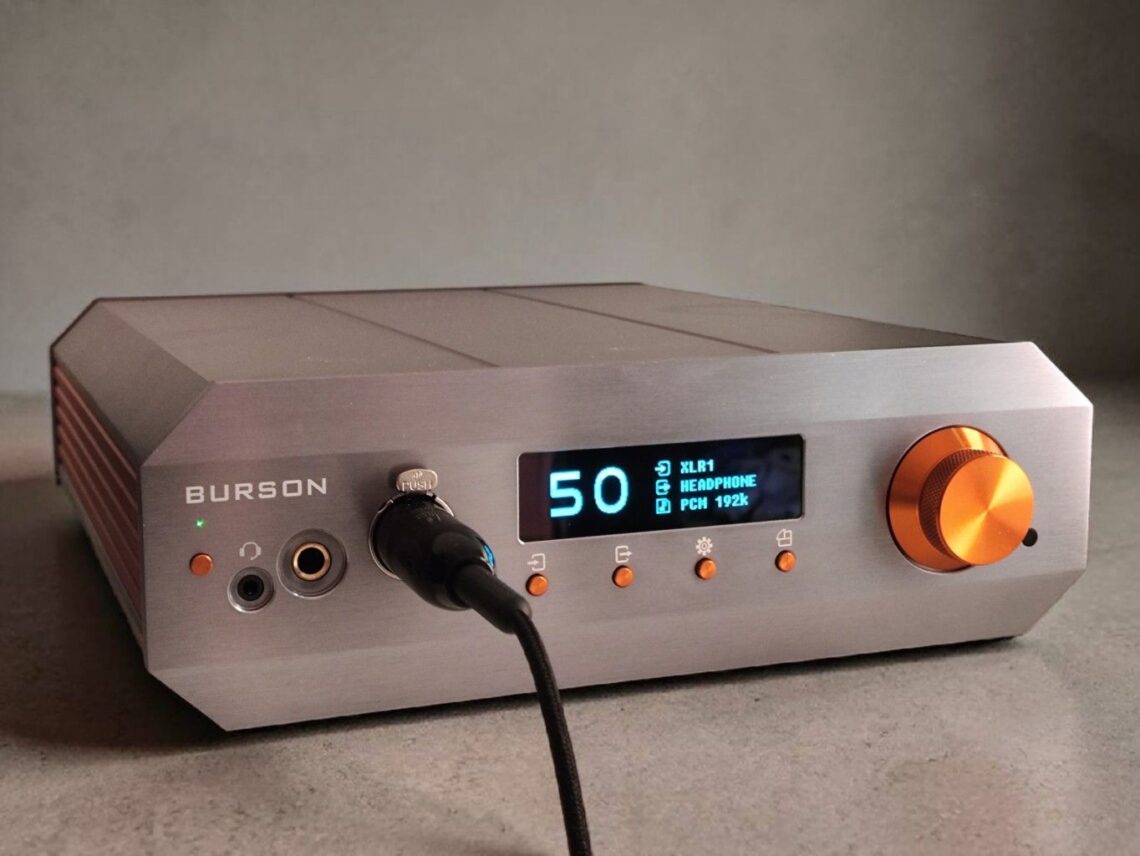
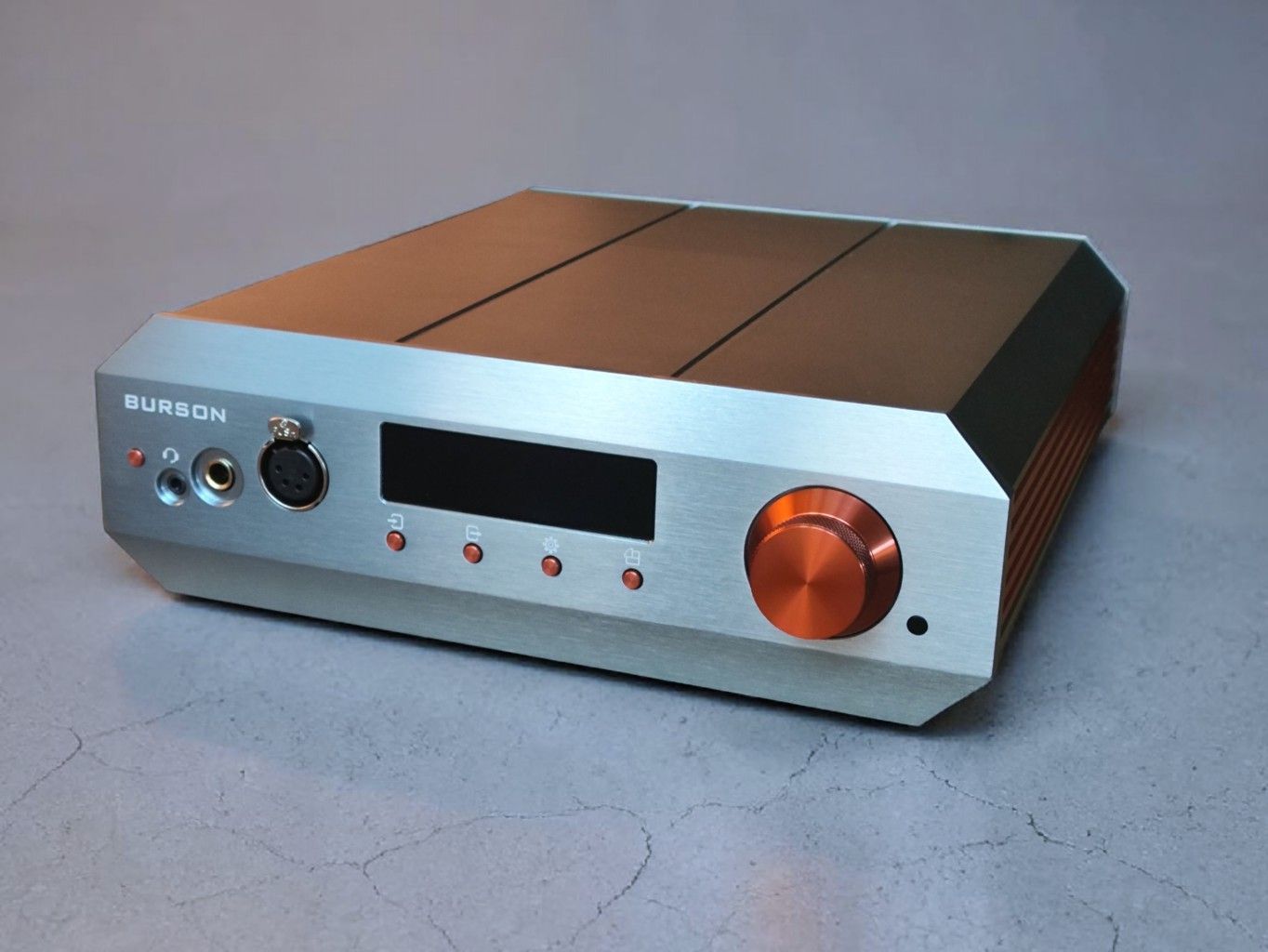
The Burson Conductor Voyager is Burson’s flagship DAC/Amp – a headphone amplifier with a built-in DAC. It’s priced at 3800 to 5000 USD, depending on the version.
There are three versions, the standard, Deluxe, and Max. This review is about the Deluxe and Max versions.
Burson pitches the Conductor Voyager as a flagship all-in-one Class-A headphone amplifier, preamp, and DAC. It promises an impressive 10W of Class-A power for your headphones in 16 ohms, 5.2W in 32 ohms and 3.5W in 100 ohms.
The DAC is built around the ESS9039PRO chip and promises high-end performance. There’s a remote control, several inputs and outputs (including pre-amp and sub), and Burson calls it an “ultimate all-in-one solution for reference audio systems.” It comes with a 3-year warranty.
3 DIFFERENT VERSIONS
The Conductor Voyager comes in three versions, depending on the opamps, power modules, and external power supply included. Opamps and PSU upgrades can also be bought separately.
1 – STANDARD
Conductor Voyager Standard Package – 3799 USD:
- V6 Vivid Opamps
- Silent Power 01 Modules installed
- Standard Power Supply Unit 24V/5A
2 – DELUXE
Conductor Voyager Deluxe Package – 4399 USD:
- V7 Vivid Opamps
- Silent Power 02 Modules installed
- Burson Super Charger 24V/5A PSU
3 – MAX
Conductor Voyager Max Package – 4999 USD:
- V7 Vivid Opamps
- Silent Power 02 Modules installed
- Burson Fusion Core 24V/15A
This review is about the Deluxe and Max versions. They share the same opamps and power modules, and I have both the Super Charger and Fusion Core power supplies on hand.
POWER SUPPLY UNITS (PSU)
All three power supply alternatives for the Conductor Voyager are 24 VDC switching power supplies.Audiophiles are conditioned to prefer traditional, heavy linear power supplies that rely on large transformers, but according to Burson they can be prone to 50/60 Hz hum and have ground-loop noise, so Burson Audio has chosen to use high-frequency, ultra-low-noise switch-mode power supplies (SMPS). Burson is not alone in choosing switch-mode power supplies; the Scottish high end manufacturer Linn Audio started using them close to three decades ago, for the same reasons.
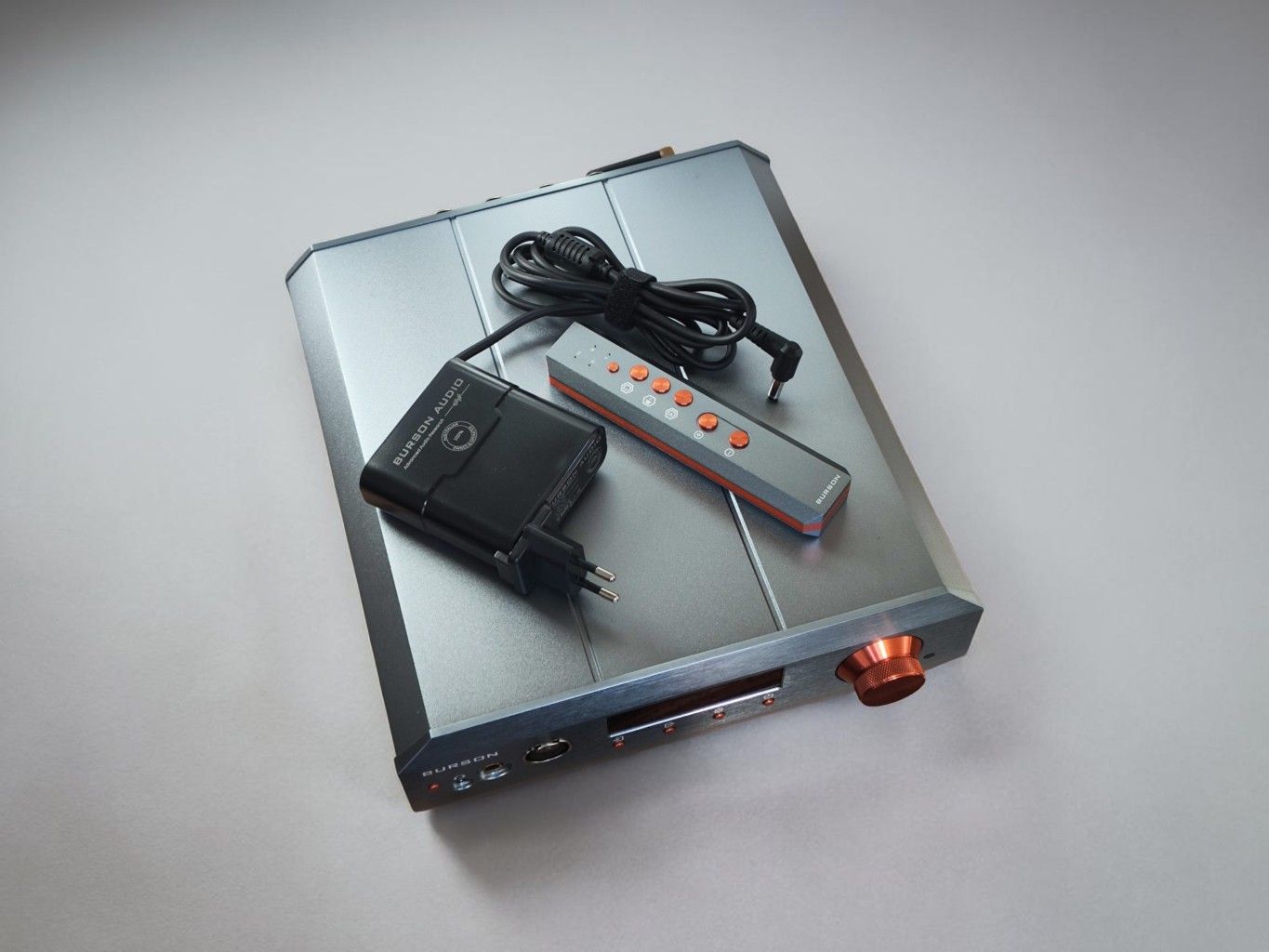
BASIC: The standard basic PSU is a high quality, but off-the-shelf PSU brick, similar to the typical laptop charger. The other two are designed by Burson.
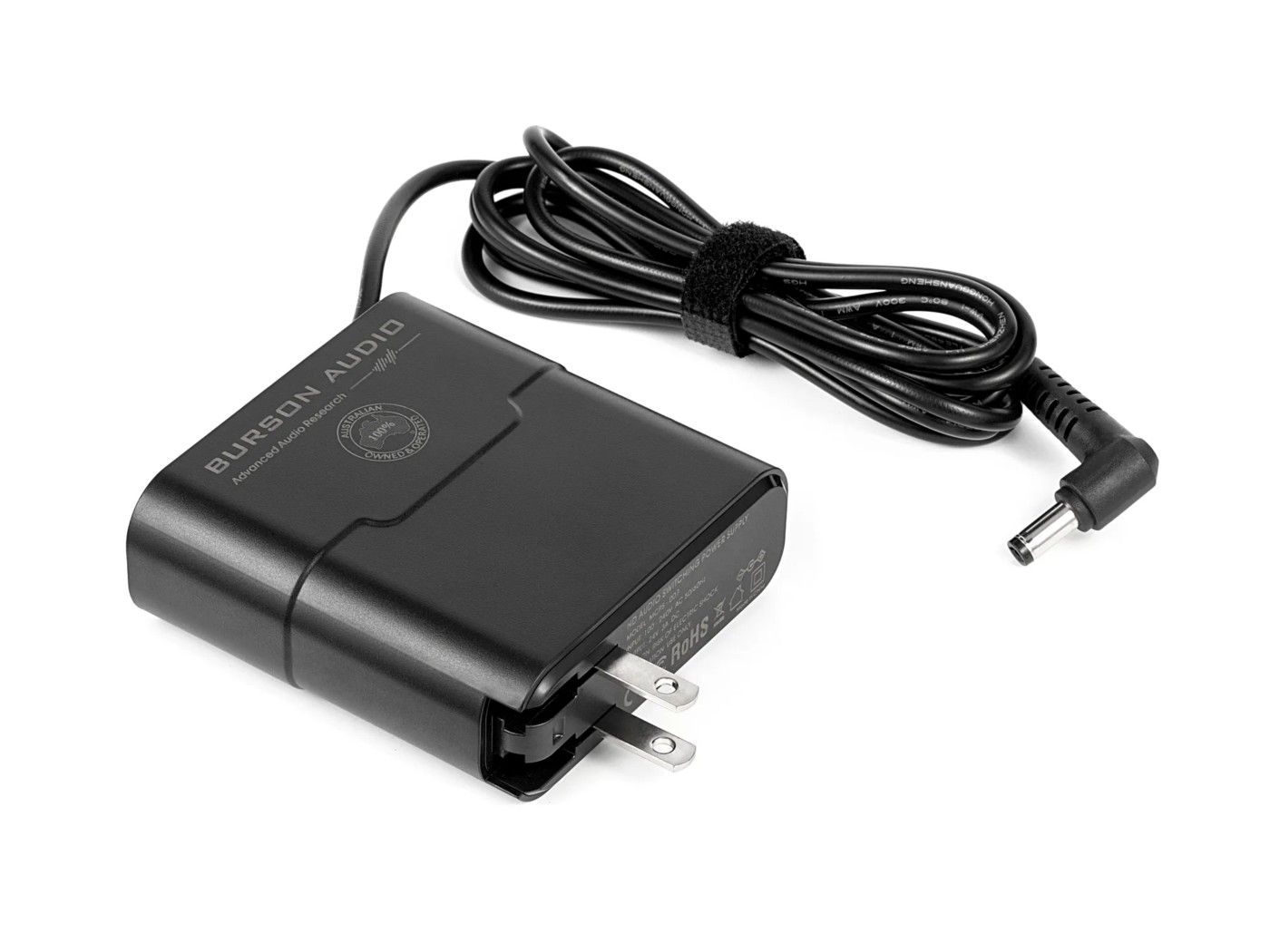
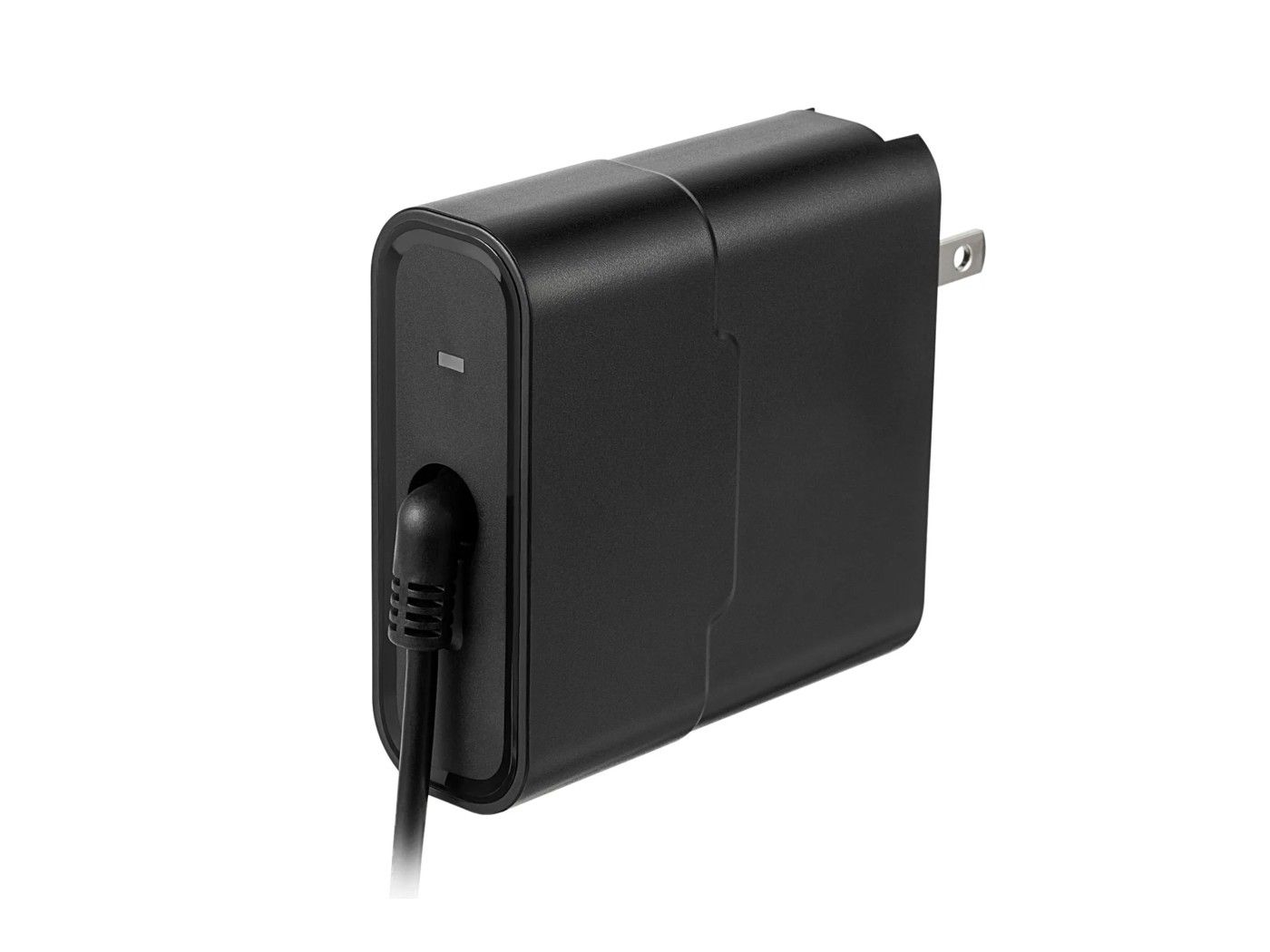
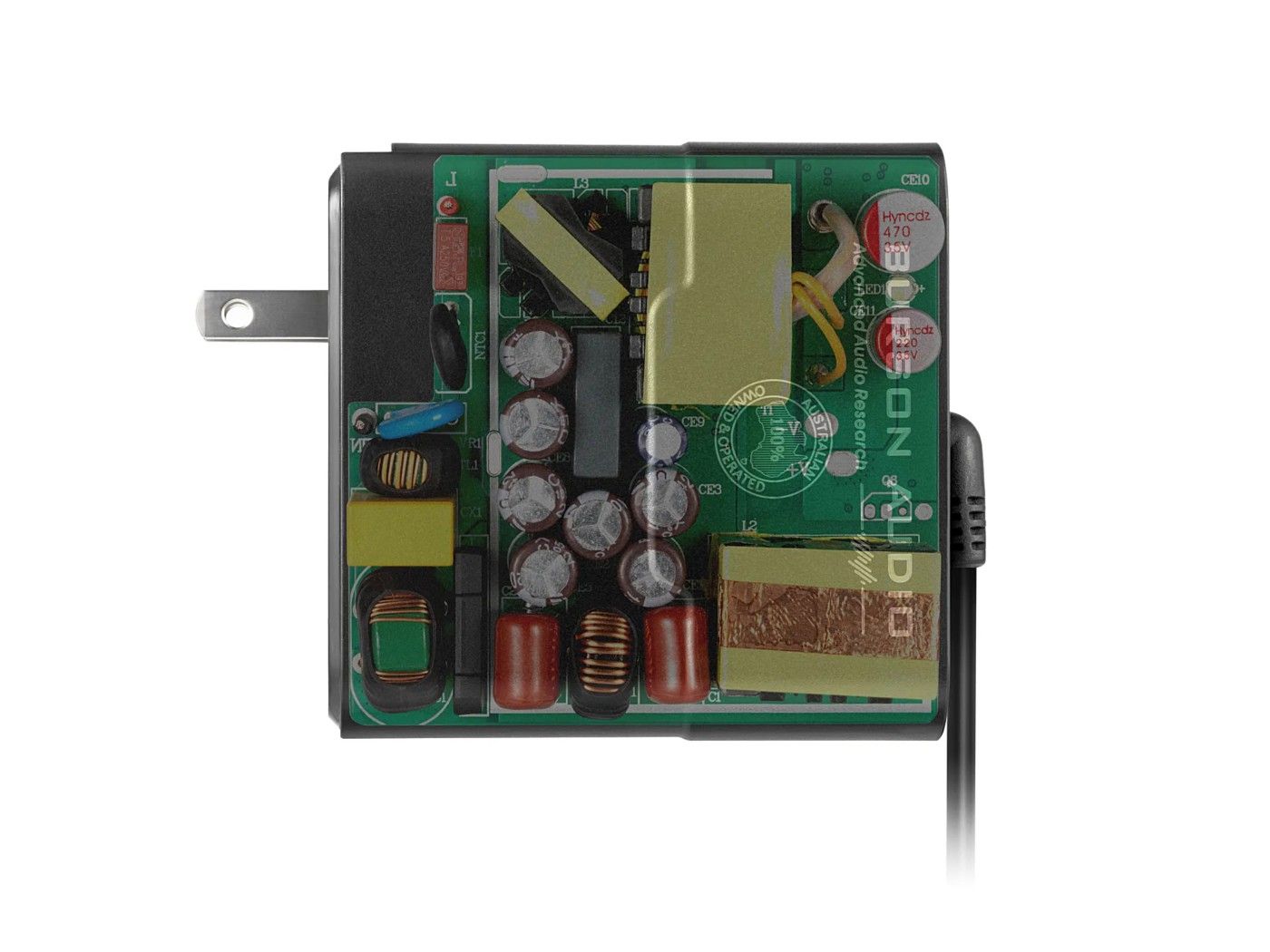
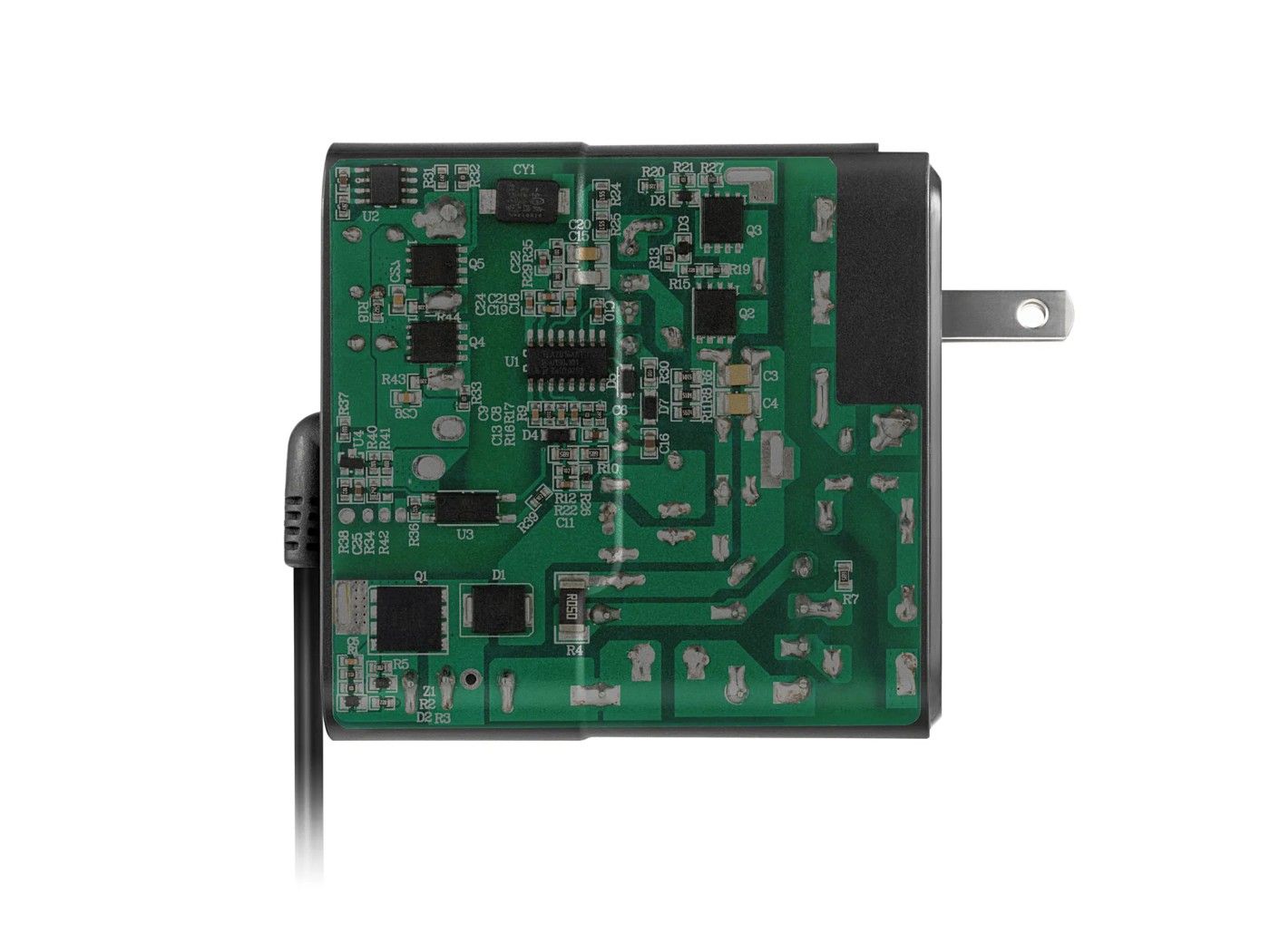
SUPER CHARGER: The Super Charger still uses a conventional high-frequency switching design but switches at much higher frequencies than the basic version and has a more advanced filtering stage. It’s housed in a large but sleek wall wart type housing.
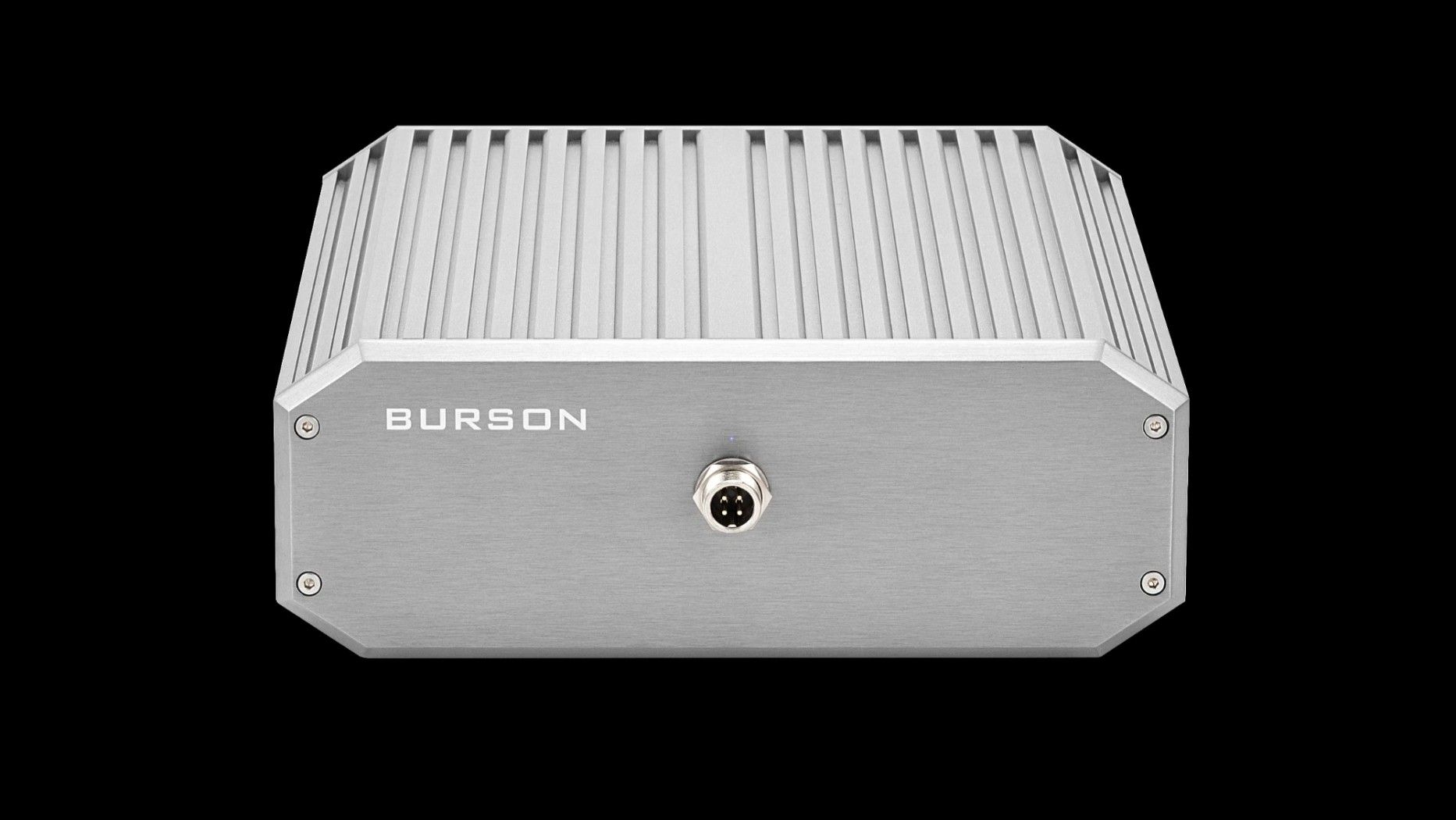
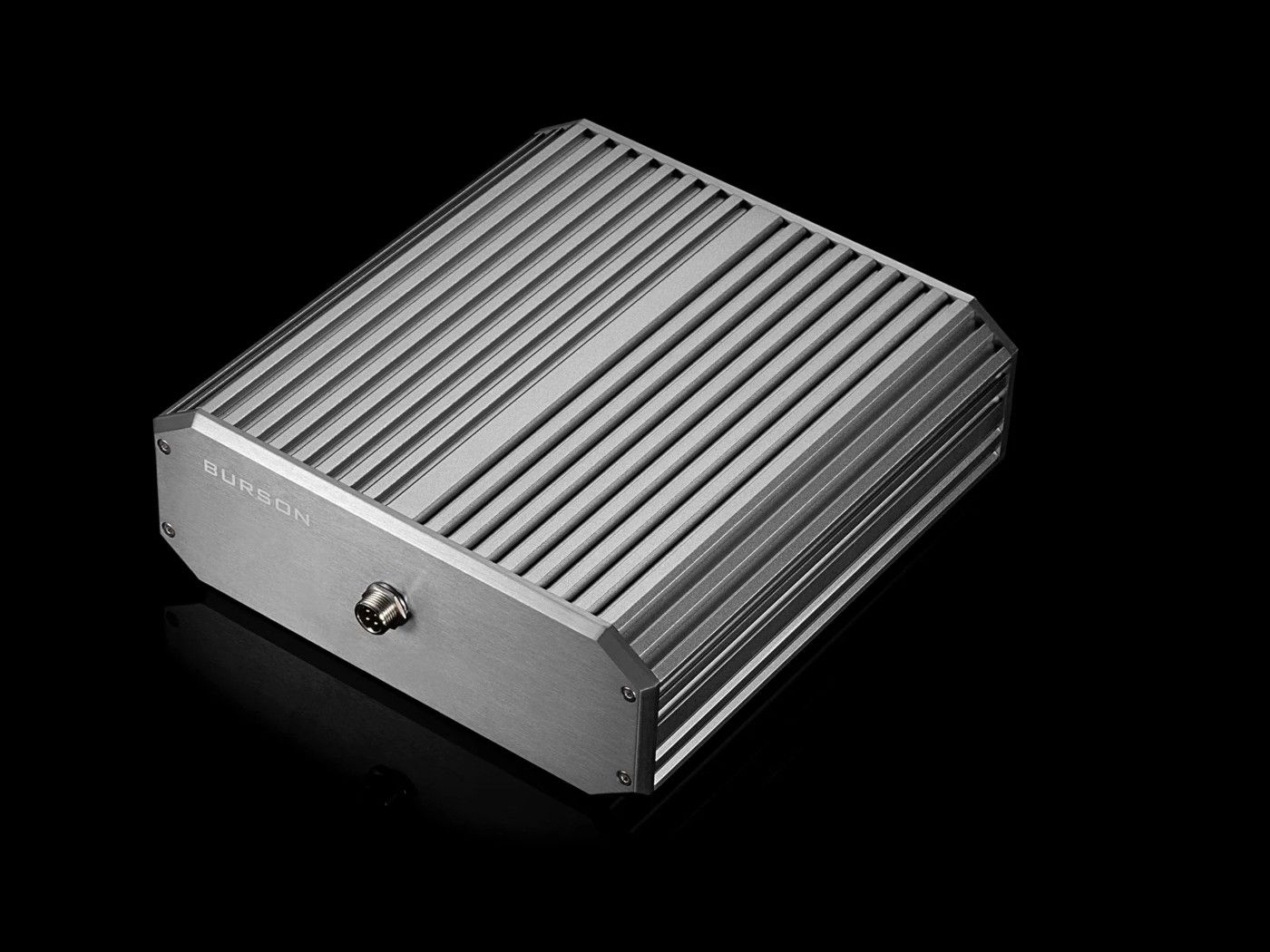
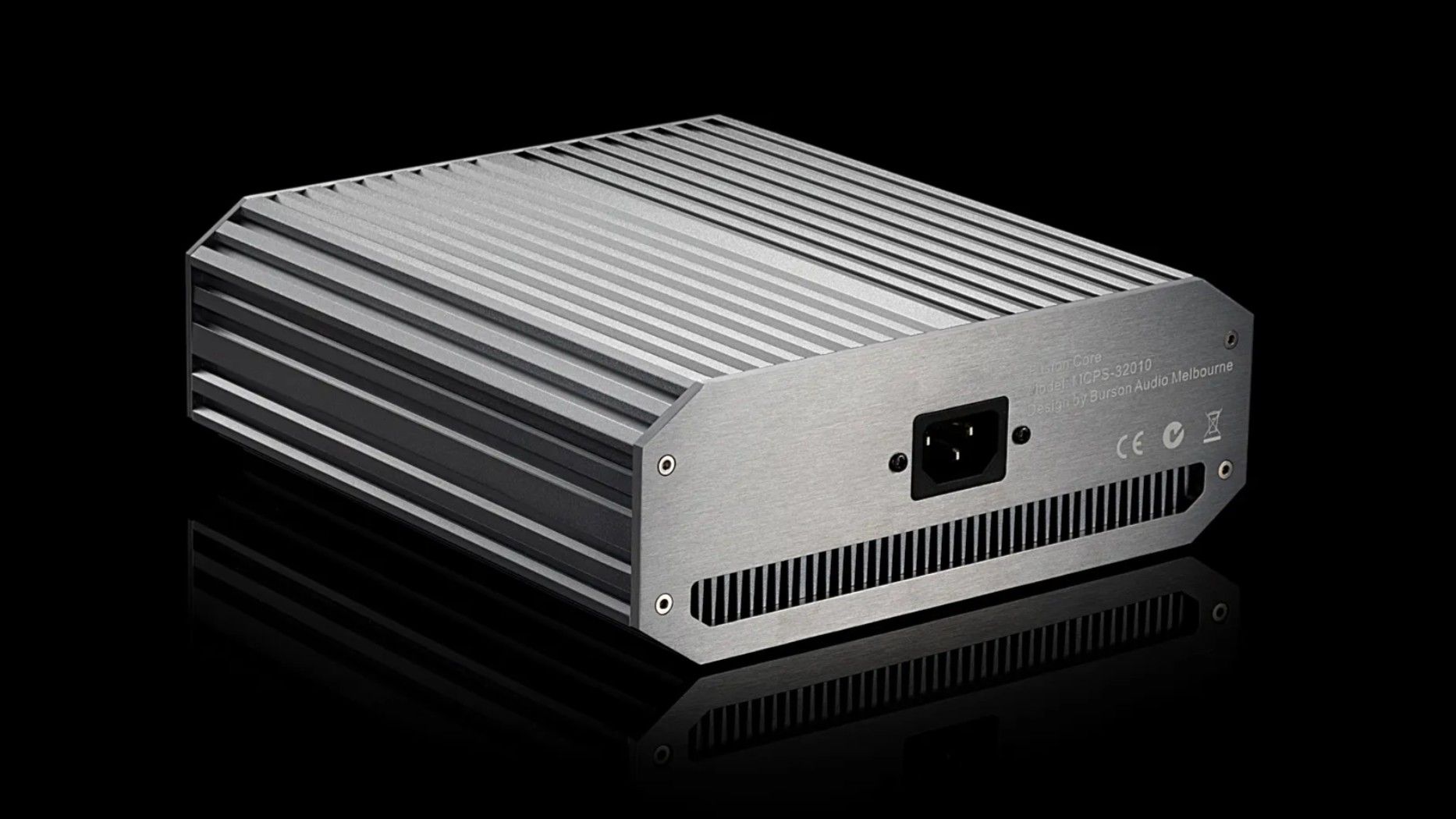
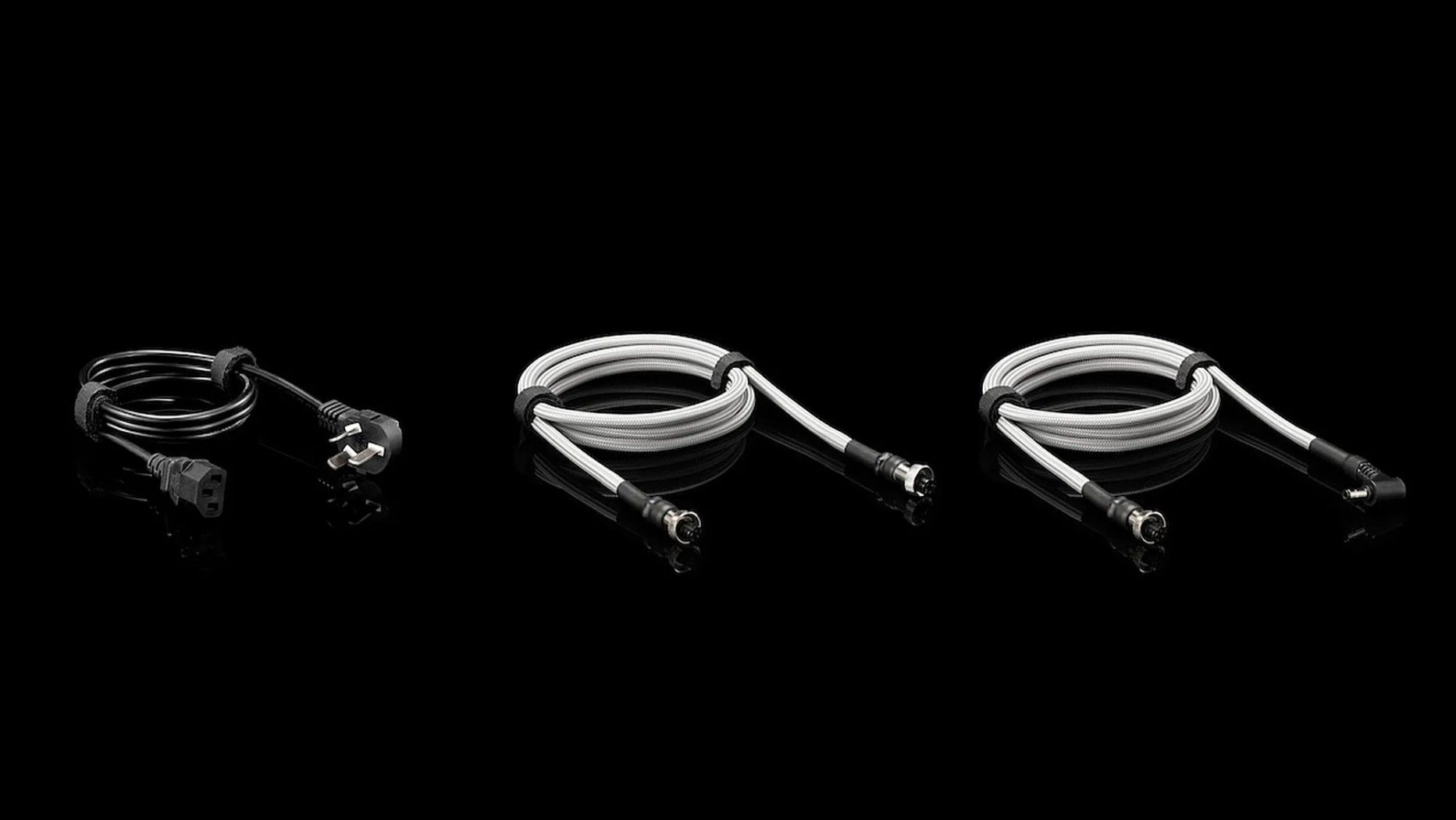
FUSION CORE: The Fusion Core takes this approach a step further utilising advanced gallium nitride (GaN) transistors. Their faster switching capability, exceeding 1 MHz, allows the power supply to push switching noise very fast beyond the audible range while maintaining very high efficiency. The Fusion Core is also more powerful, with 15 instead of 5 amperes output.
BURSON NAMING STRUCTURE
Now, all these names and variations can be a bit confusing, and rightly so. Burson has a relatively large product line, but the Burson naming is mostly logical:
- “Conductor” means that there’s a built in DAC
- “Soloist” are standalone analogue headphone amplifiers.
- “Timekeeper” are stereo power amps.
Then they have several series of products: Voyager, GT4, and Stellar – with Voyager being the most high-end.
The two most affordable headphone amps don’t follow this naming pattern though, they’re just called Playmate 3 (DAC/Amp) and Funk (headphone and speaker amp with no digital inputs).
OPAMPS
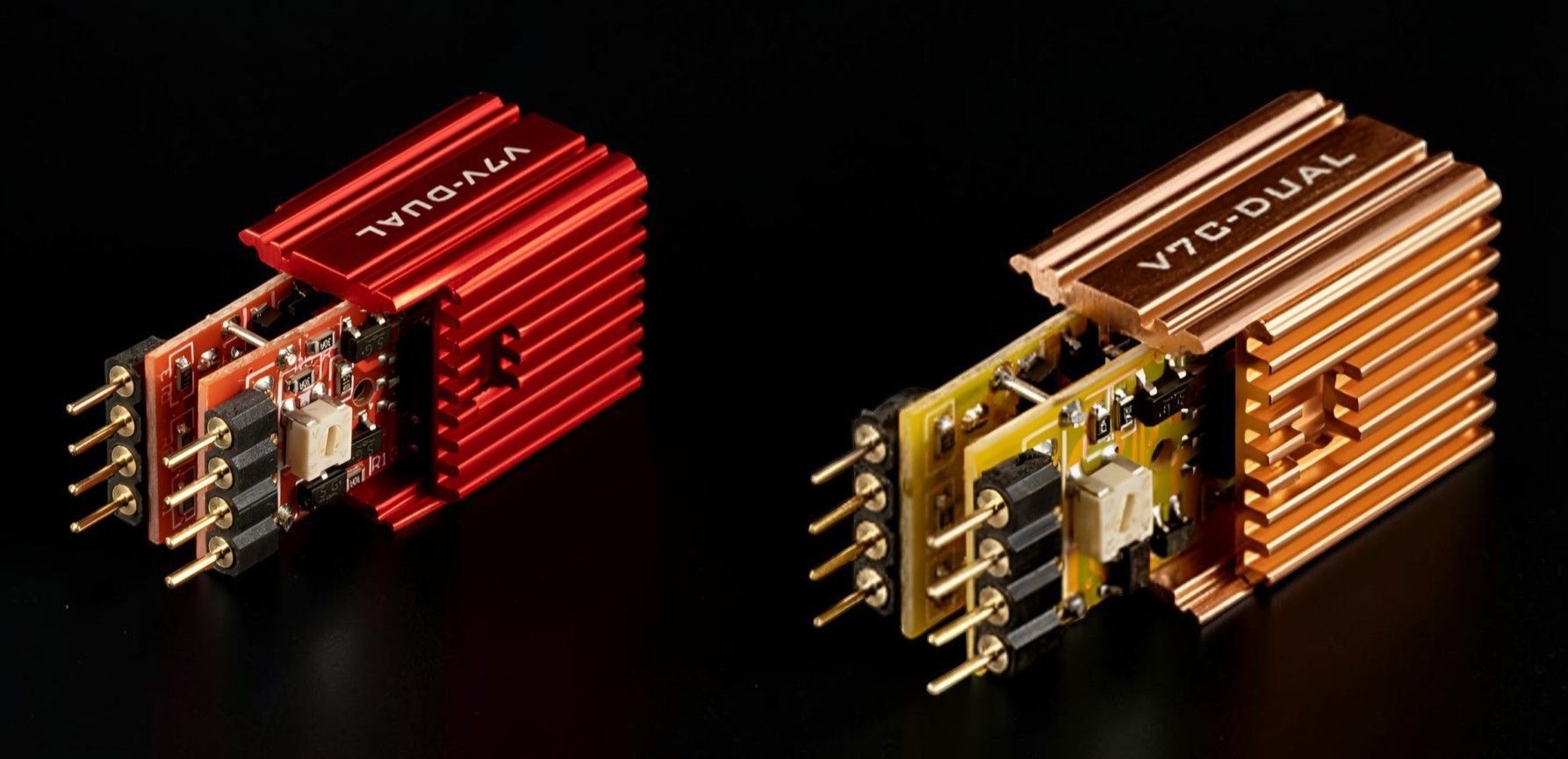
Burson designs all their amps with swappable opamps. An “opamp” is short for “Operational Amplifier” and is basically just a mini-amplifier unit that is normally placed in a socket inside the amplifier. If you decide to design the amplifier without opamps, you have to design these amplifier circuits from scratch. This is called “discrete” design. However, Burson does both at once because while they use opamps, they’re built discrete – not off the shelf opamps, but specifically made for the amplifier in question.
There are pros and cons with both approaches (discrete and opamps) and there is nothing inherently better or worse with either. However, the big advantage with swappable opamps is that you can replace them to customize the sound and performance of your amplifier. This is something Burson Audio actively encourages by offering various high end opamps and accessories – that often is used as upgrades of non-Burson amplifiers.
You can read more about it here: Burson Opamps.
If you are curious about high-end or opamps you might also want to check out the small company called Sparkos Labs.
ABOUT BURSON
Burson Audio was established in 1996 and focused on discrete opamps, low-jitter clocks, and also earlier amplifiers like the PI-100 and PI-160 speaker amps.
With regards to headphone amplifiers, the Burson HA-160 was their first real product and an instant success. It launched around 2010, quickly supplemented by the HA-160D (D for “built-in DAC”).
The HA-160 was later succeeded by the Soloist in 2013, around the same time as they launched the first Conductor – basically the Soloist with a DAC. I have reviewed several versions of the Conductor earlier here on The Headphoneer.
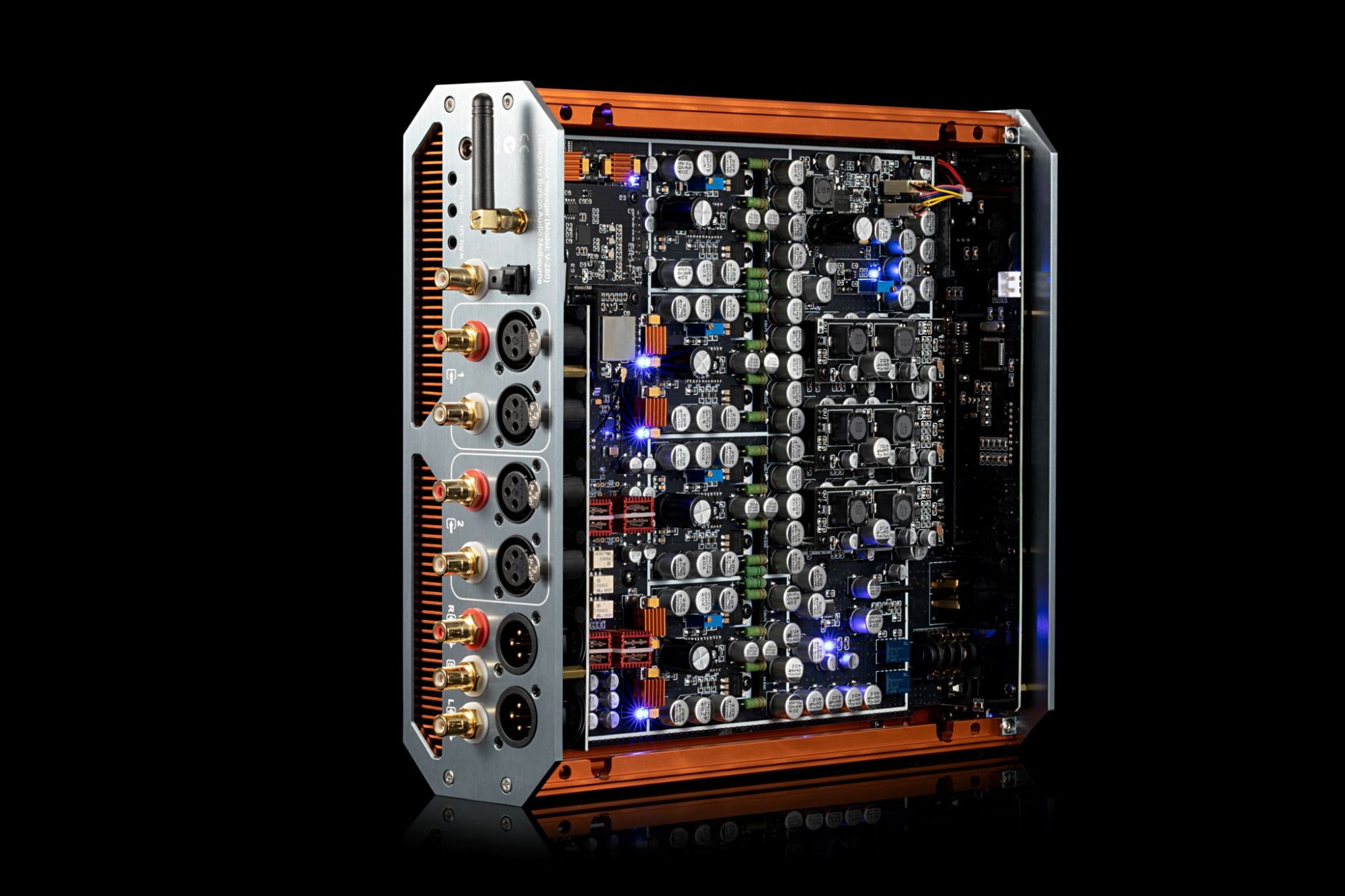
BURSON CONDUCTOR VOYAGER SPECIFICATIONS
- Headphone and pre-amplifier with DAC and remote control
- Headphone outputs:
- 4-pin XLR jack
- 6.35 mm (1/4”) jack
- 3.5 mm (1/8”) 4-pole, accepting gaming headsets with mic
- Analog outputs:
- XLR
- RCA
- Subwoofer (mono RCA)
- Digital inputs:
- USB
- RCA
- Optical
- Bluetooth
- Analog inputs:
- 2 pairs of XLR
- 2 pairs of RCA
- Headphone performance
- (BAL / SE – SNR / Ch.Sep):
- 16 Ohm: 10W / 5W – 96db / 99%
- 32 Ohm: 5.2W / 2.8W – 98db / 99%
- 100 Ohm: 3.5W / 2W – 95db / 99%
- 150 Ohm: 2W / 1.5W – 96db / 99%
- 300 Ohm: 1W / 500mW – 96db / 99.50%
- SNR: 96dB (16 Ohm), 98dB (32 Ohm)
- Frequency Response: 0 – 58kHz
- THD: <0.0015%
- DAC Chip: ESS9039PRO DAC chip with 24 filter and path settings
- USB-C XMOS interface: Supports native DSD512 and 32-bit/786kHz PCM
- Bluetooth 5.0 (Qualcomm CSR8675): Streams in LDAC, aptX HD, and AAC up to 24-bit/96kHz
- Roon Tested: Seamless integration with any Roon Ready system
- Chassis: 7mm aluminium “cool case”
- External power supply 24V DC
- PSU plug: DC barrel connector 5.5/2.5mm (center positive)
- Dimensions:: 265 x 270 x 85 mm
- Weight: 7 kg
DESIGN AND USER INTERFACE
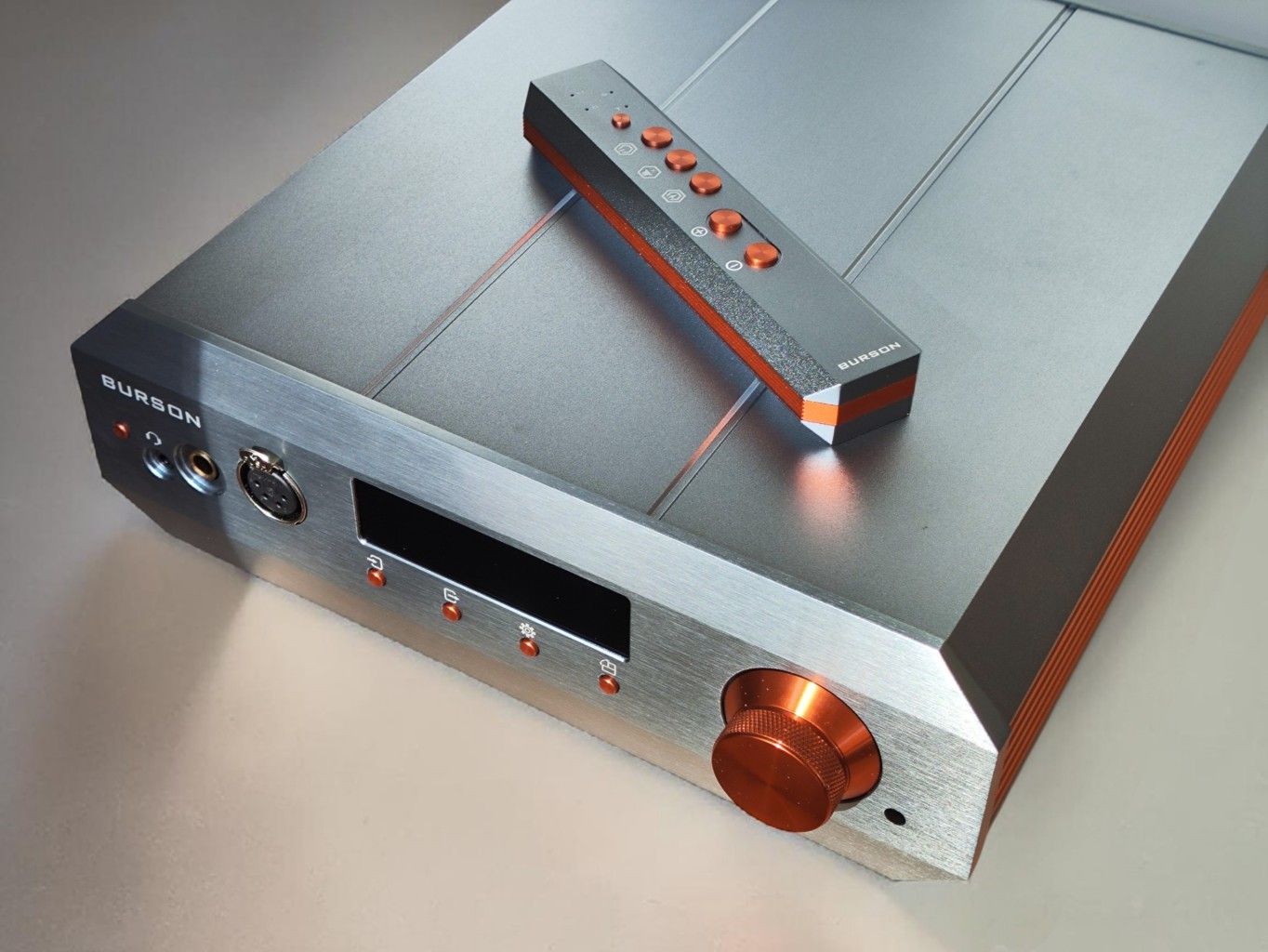
Back in the day, Burson started out with a very simplistic, aluminium case design, but there was a radical shift with the Burson Conductor 3. They designed a new case and introduced the OLED display, digitally controlled volume, etc. They called the new case the “Cool Case.”
THE COOL CASE 2
The Conductor Voyager uses the latest case design, the Cool Case 2. It is made from 6mm aluminium panels and supposedly runs significantly cooler than previous models. It does, however, also use a fan. It’s very silent, but in a quiet room you will hear it as a slight background noise. It doesn’t bother me at all, and certainly not while listening to headphones, but it is a fan.
Despite the Cool Case 2 and the fan, the Conductor Voyager gets really hot on the outside. I don’t know how the temperature is inside, but I certainly hope the hot outside is an indication that the heat is transported from the inside.
CONNECTIVITY
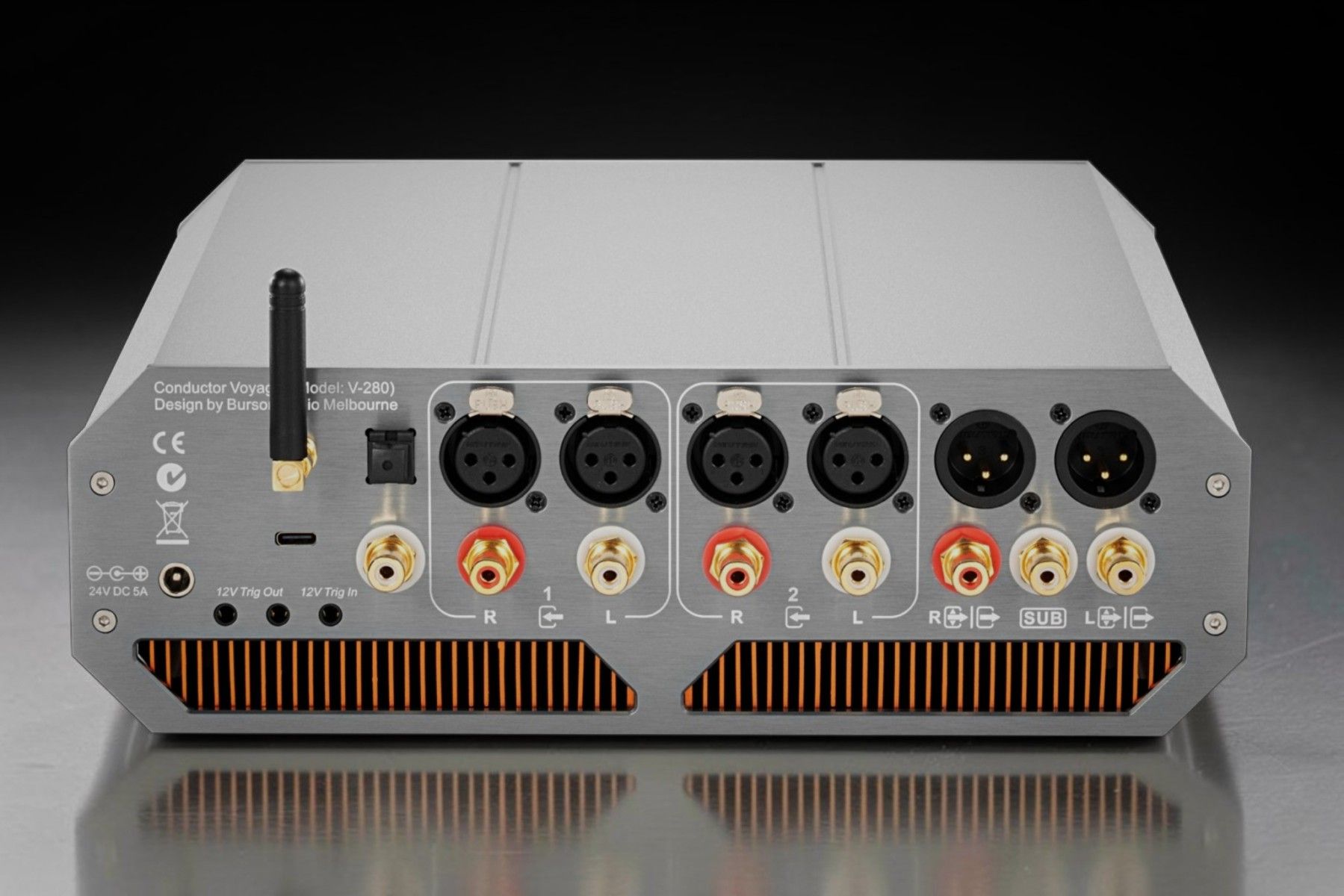
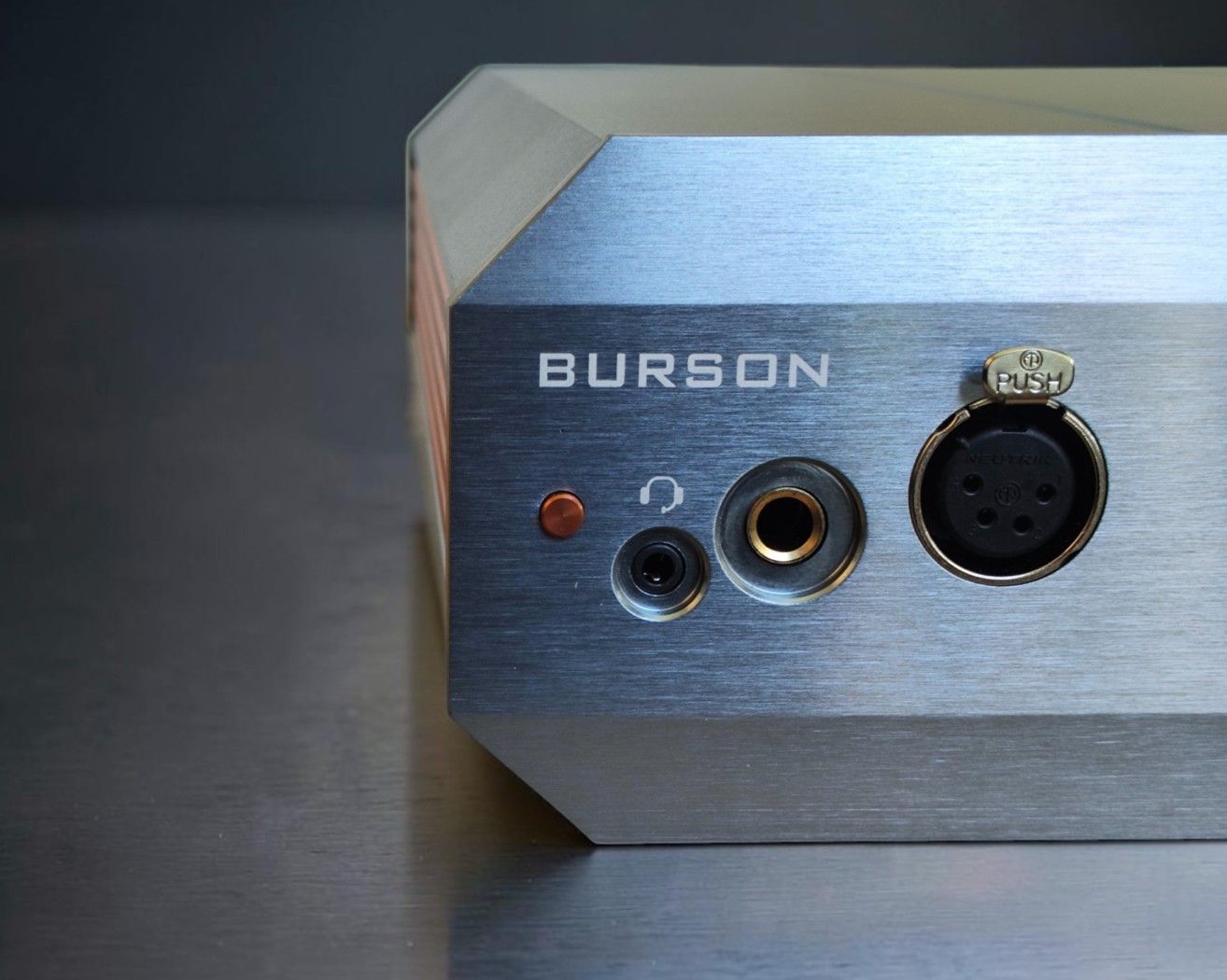
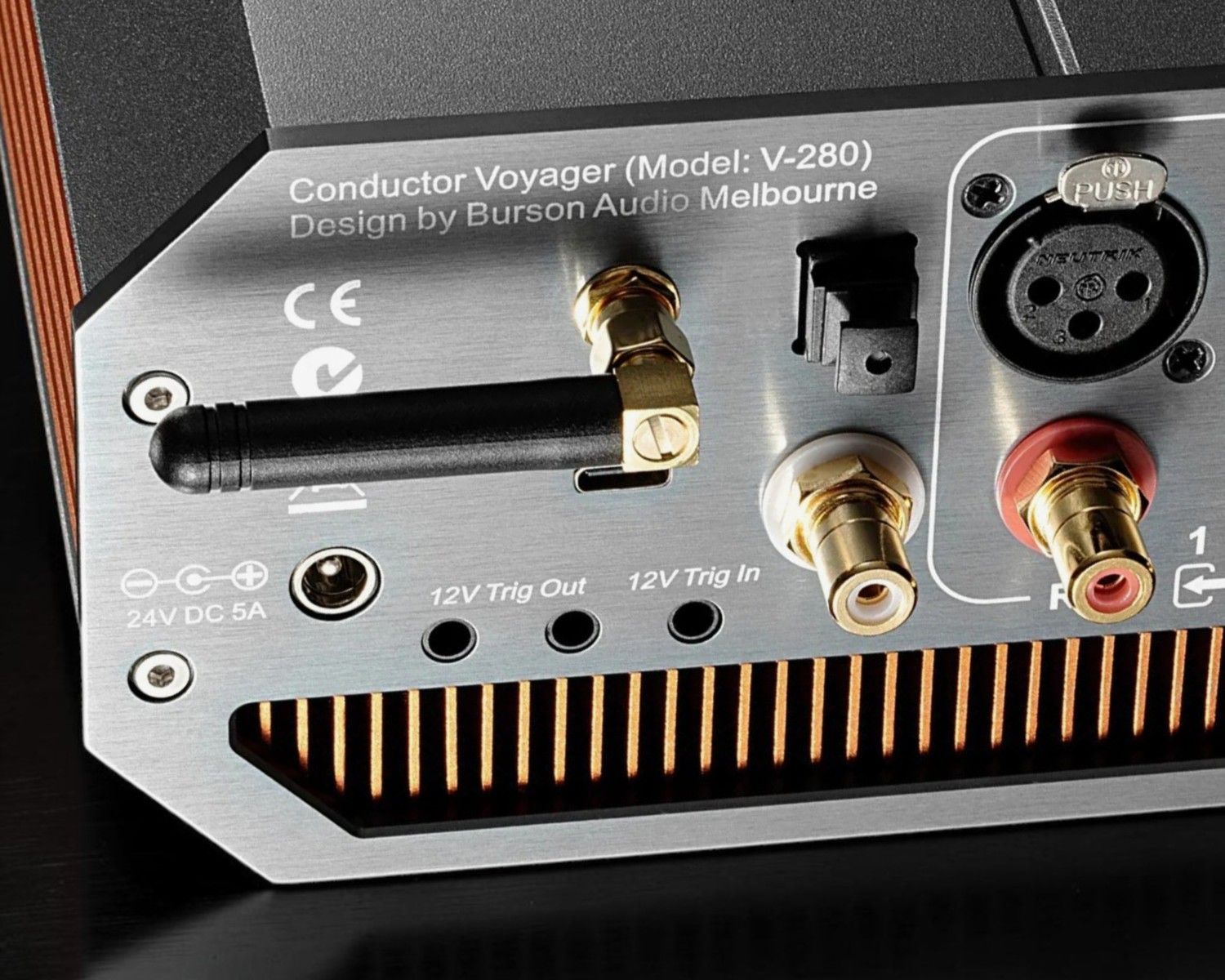
The Conductor Voyager has a wide selection of inputs and outputs, both analog and digital.
HEADPHONE OUTPUTS:
- 4 pin XLR balanced
- 6.35 mm unbalanced
- 3.5 mm with mic input
Note that there is no 4.4 mm Pentaconn socket. I would really prefer for there to be one, but as it is, you’ll have to get a 4.4 mm to XLR adapter to run the 4.4 mm in balanced mode.
ANALOG INPUTS AND OUTPUTS
- 2 x XLR Inputs
- 2 x RCA Inputs
- 1 x XLR Preamp output
- 1 x RCA Preamp output
- 1 x Sub output
- 1 x microphone input (3.5 mm)
Note that there is a microphone input possibility on the 3.5 mm input, typically used with gaming headsets with a 3.5 mm TRRS jack.
DIGITAL INPUTS
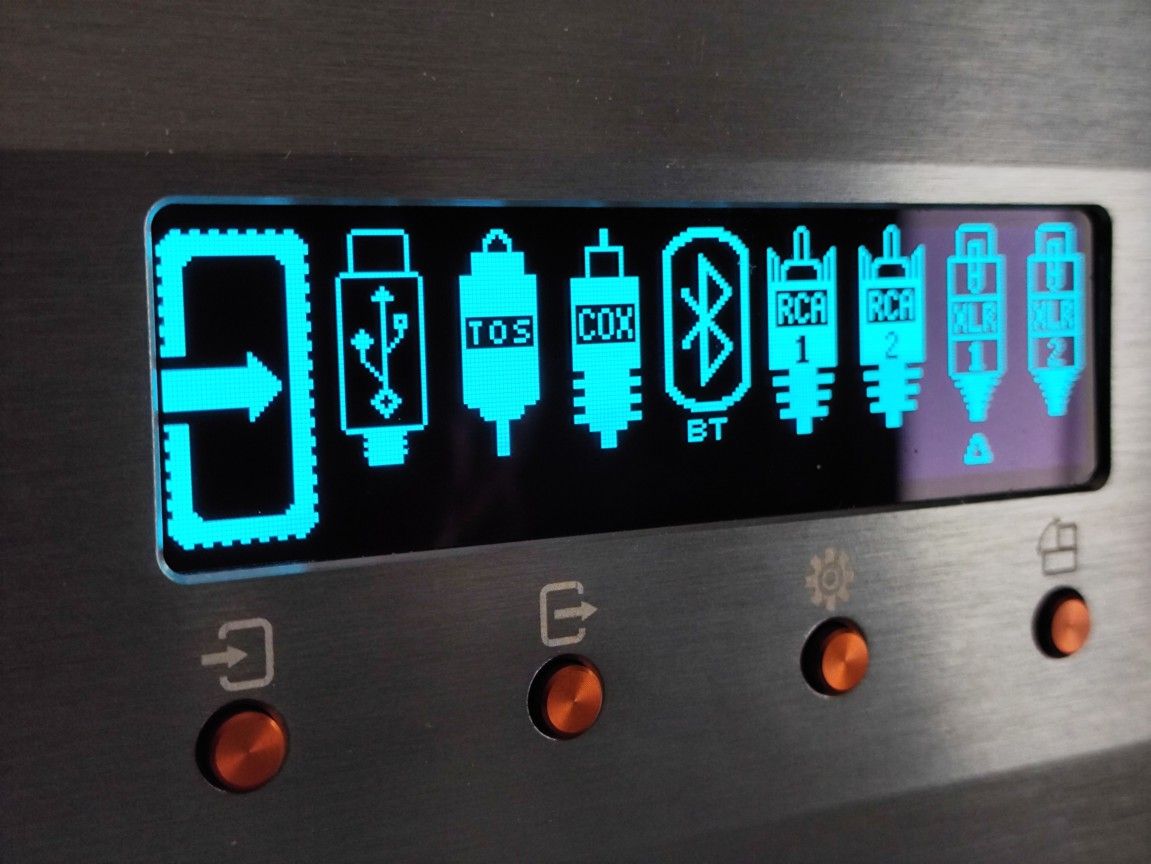
- USB-C
- RCA (spdif)
- TOSLINK (Optical)
- Bluetooth
FUNCTIONS
As you can see from all the inputs and outputs, the Conductor Voyager covers all the functions you would expect from a modern DAC, preamp, and all-in-one headphone amplifier. The only thing I miss is the 4.4 mm headphone output. However, the 3.5 mm jack with headset mic input is a plus, which makes the Conductor Voyager very attractive to, e.g., gamers.
Another function many headphone amplifiers do not have is the remote control. It claims a 10 m range, which is impressive, but it’s very directional and even with brand new batteries I have to point the remote directly at the Conductor.
The remote has the following functionality: on/off, volume, mute, and rotate input. There’s also a tiny button on top which rotates which type of Burson device you’re using (make sure not to fiddle with that one).
The “Head plus Sub Mode” is a rarity, but might appeal to certain users. It lets you pair a subwoofer with your headphones, preferably used with open back headphones.
The Conductor Voyager is also designed to be placed on the side in a special crate. This can be very practical for desktop use. There is a dedicated button on the front panel which rotates the display 90 degrees.
OPERATION
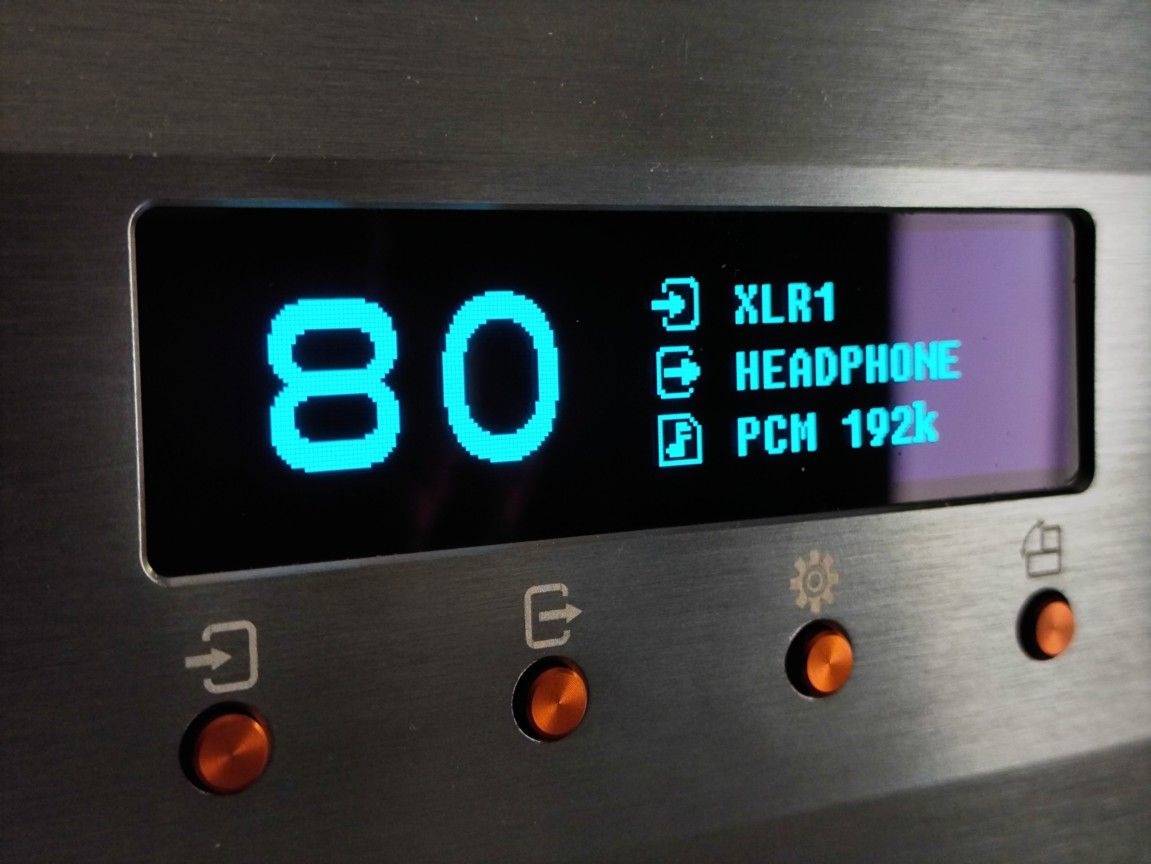
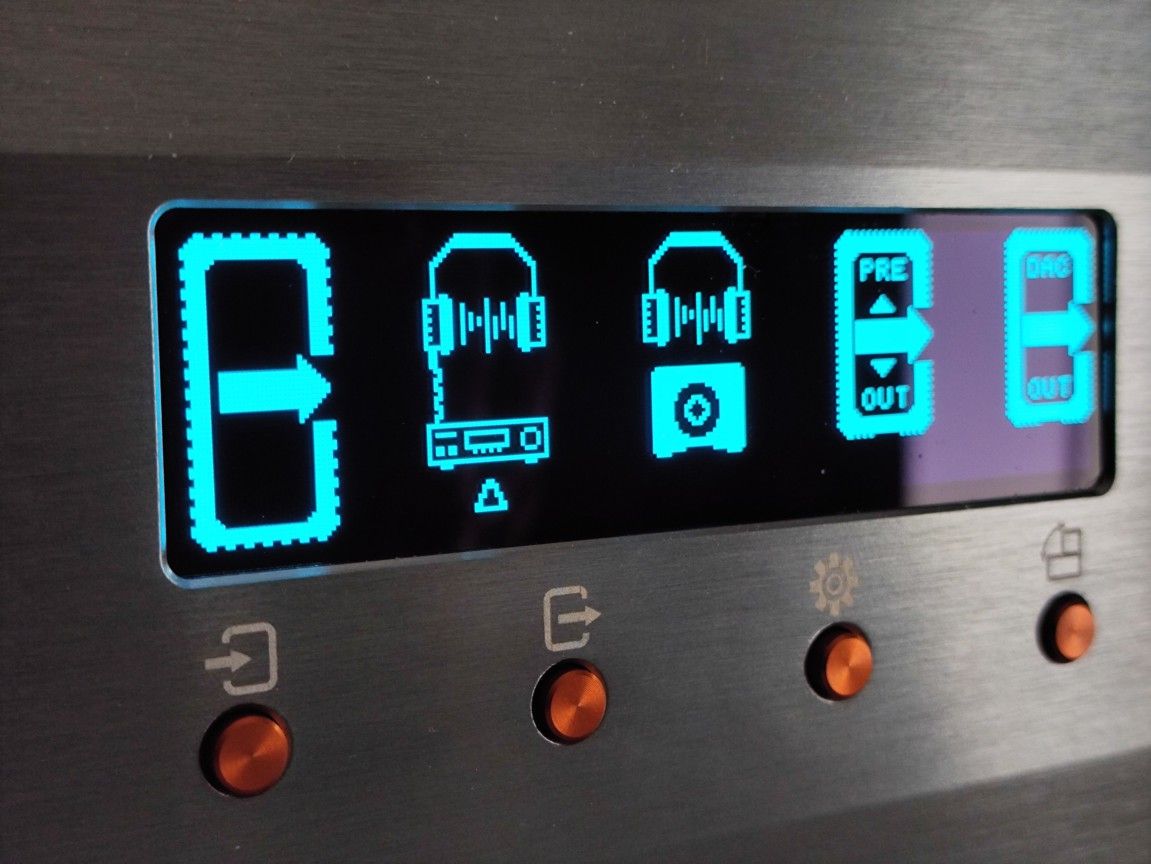
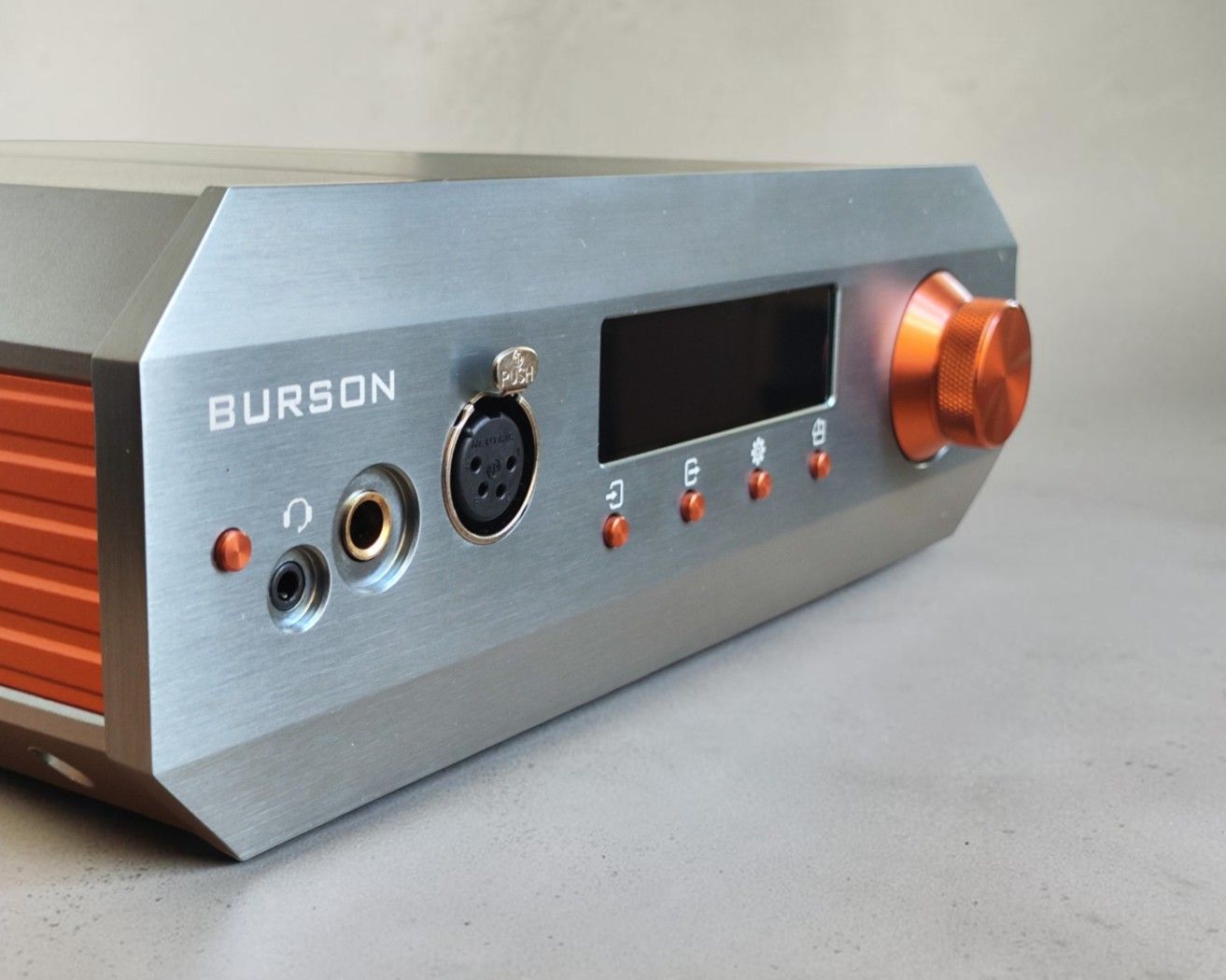
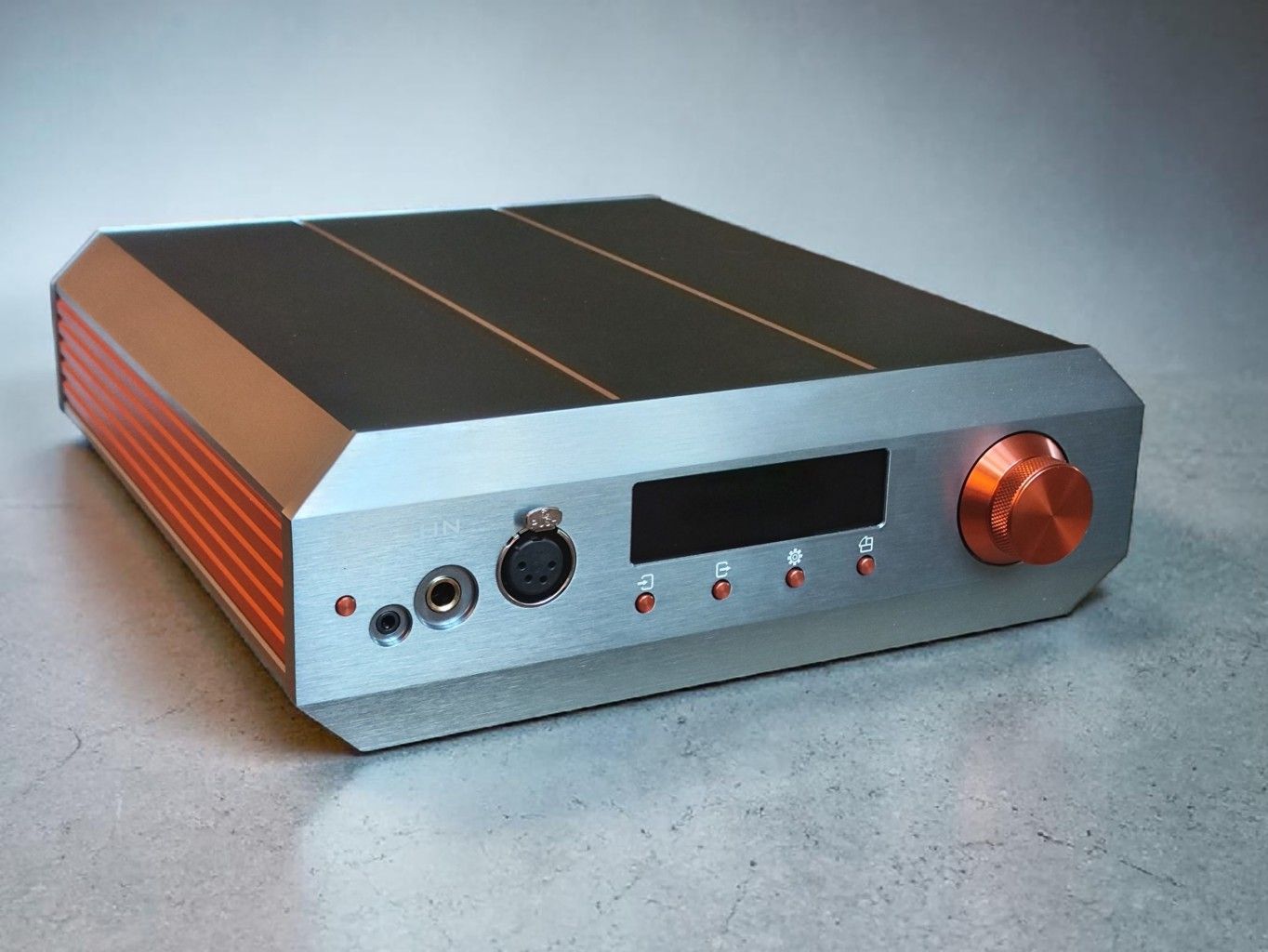
The operation of the Burson Conductor Voyager is centered around the screen, the four small buttons under the screen, and the volume/selection wheel.
Personally, I generally prefer old-fashioned switches and knobs rather than screen-based systems, but people have different preferences. If you use the Conductor Voyager with the same input selected and only need to regulate the volume, it doesn’t matter much anyway, but if you often need to change input and output, there are more efficient interfaces around.
BUTTONS AND USER INTERFACE
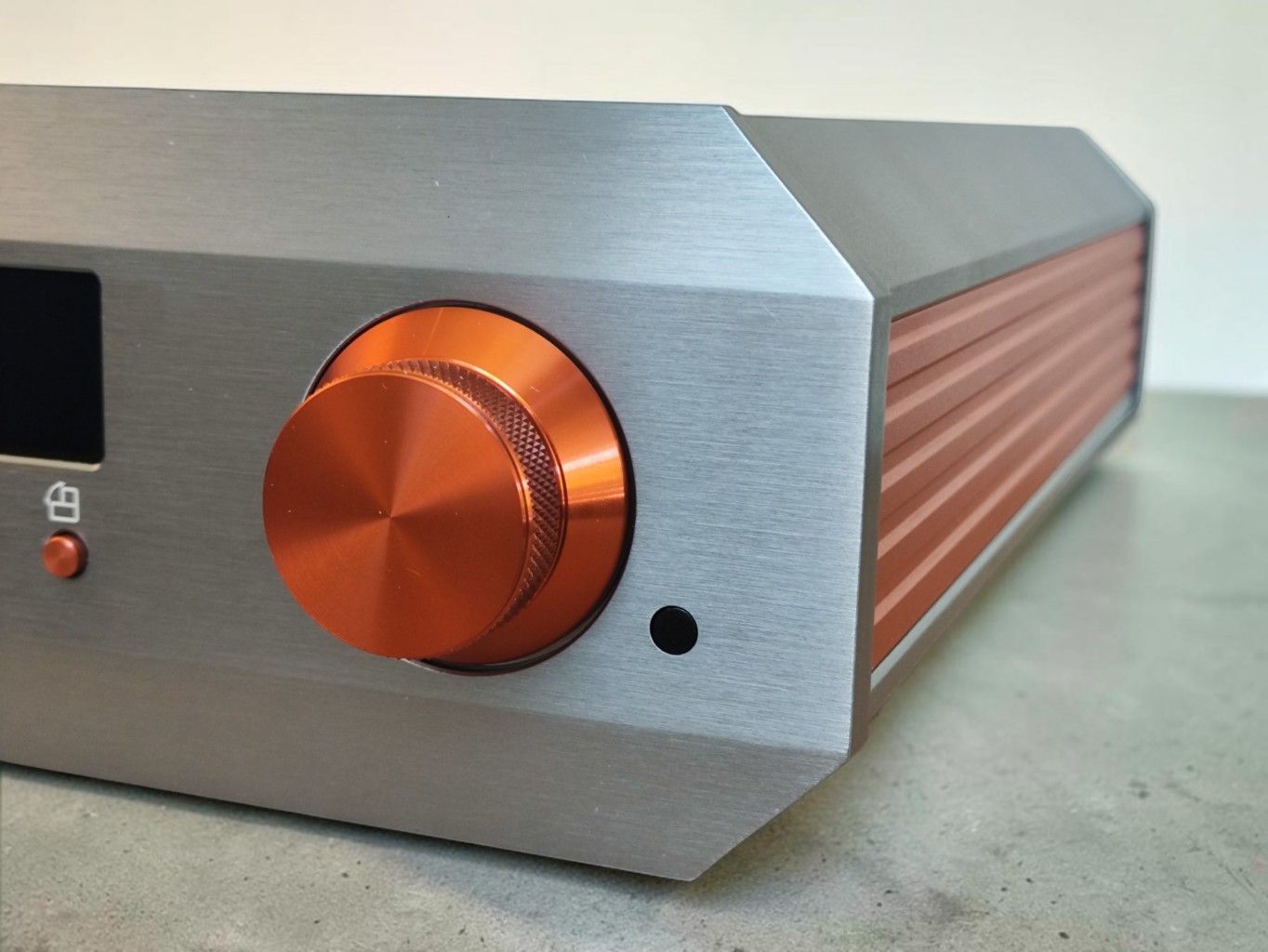
On the front there is a power button, a display, four buttons under the display, and a multifunction volume knob/selection wheel.
– VOLUME/SELECTION WHEEL
To increase or decrease the volume, you just rotate the wheel and the number on the display will change. There is no physical feedback. The wheel rotates freely. If you push the wheel, you mute the audio.
If you are in menu mode, you will use the wheel to move the indicator sideways or up and down, then push the wheel to select.
– BUTTONS
Power: There’s a dedicated power/standby button.
The four buttons under the display are:
- Input selection
- Output selection
- Settings
- 90 degrees display mode
INPUT: When you push the input selection button, you open a menu with no less than 8 input options. I find the menu unnecessarily complicated graphically speaking. You use the volume wheel to move a small cursor and push to select. There is no physical feedback from the volume wheel, so we have to watch carefully for the tiny arrow to point at the wanted input symbol. Push the input button to exit the menu.
OUTPUT: When you push the output selection button, you open the menu with 4 options: Headphone output, Headphone plus Sub, Preamp out, and DAC out. Again, there is no physical feedback. Push the output button to exit the menu.
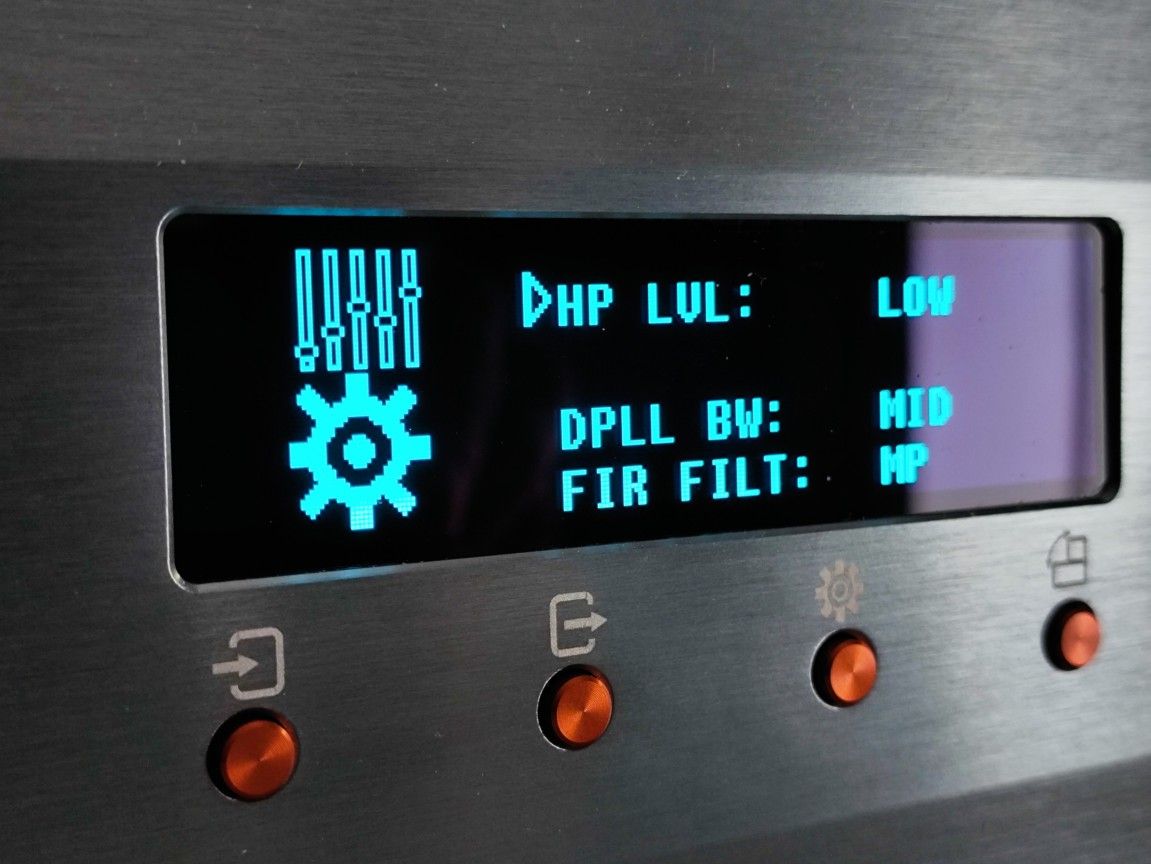
SETTINGS: Pushing the settings button opens a menu where you have to move through a vertical list to find the setting you want to change. You push the volume wheel to select and rotate to change options and push again. Push the settings button to exit the menu.
ROTATE DISPLAY: Pushing the “rotate display” button rotates the display and does nothing else. Push the rotate button to exit.
LISTENING IMPRESSIONS
Testing the Burson Conductor Voyager in a meaningful manner is a challenge. It’s a DAC, it’s a preamplifier, it’s a headphone amp, and a DAC/Amp.
I will focus primarily on the Burson Conductor Voyager’s performance as a headphone amplifier and DAC/Amp for headphones.
I have the two most expensive versions at hand, the Deluxe and Max. Both have upgraded internals – the only difference between them is the power supply.
The “Conductor Voyager Deluxe,” which uses the compact Super Charger power supply, will get most of my attention, but I’ll also test how it sounds with the Fusion Core power supply.
The main part of my testing will be listening to a wide variation of headphones and comparing the performance of the Conductor Voyager to other amplifiers I have at hand, in an A/B direct side-by-side comparison scenario.
HEADPHONE AMPLIFIER PERFORMANCE
I tested the Burson Conductor Voyager with a range of headphones and compared its performance to several other amplifiers in a series of A/B comparisons.
Note that all of these amps are amps I hold in high regard; they’re not randomly chosen: They’re all excellent performers.
These are the other amplifiers used:
- Mytek Liberty THX AAA (1499 USD / €1495), Violectric V222/226 (1599 USD / €1399),
- Bryston BHA-1 (2695 USD / €3049)
- Sendy Audio KYLIN (1499 USD) amp section.
I used the RME ADI-2 DAC FS (1999 USD) as a source for all amps, including the Conductor Voyager.
I primarily used the Super Charger power supply (PSU), but for several headphones, I have commented on how I perceived that replacing the Super Charger with the Fusion Core PSU affected the performance.
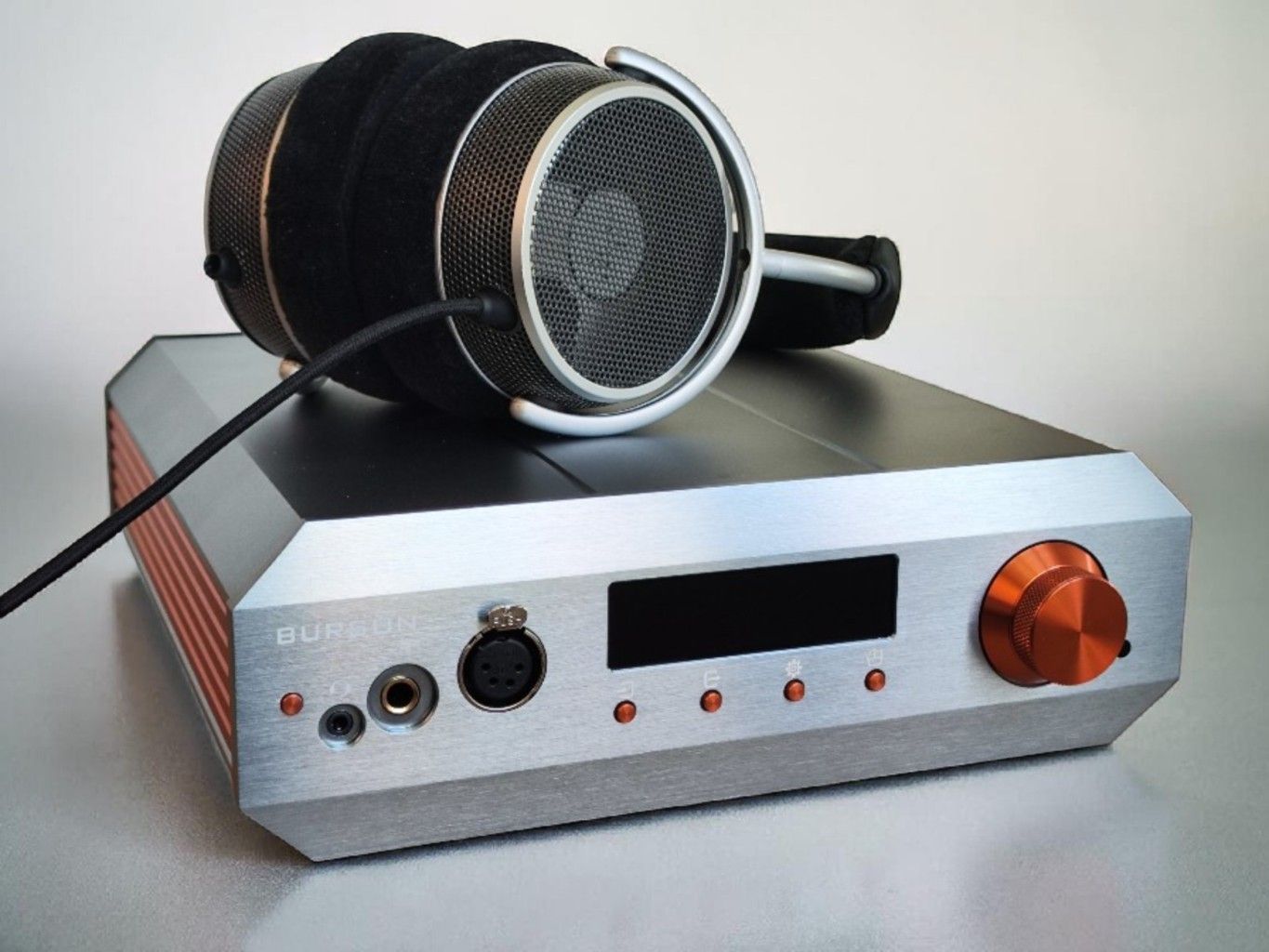
GRELL OAE2
38 ohms – 100 dB/V
The Grell OAE2 is very refined and resolving for its 499 USD price tag. The Conductor Voyager drives the OAE2 effortlessly with great dynamics and no harshness.
Comparing the OAE2 across the five amplifiers, with tracks I know very well, it becomes clear that the difference is very small. There are very subtle changes in tonal character and dynamics, but they are so small that it is not meaningful to recommend one amp over another. However, I can say that the Burson sounds as good as the best competitor on every track.
- Audio46: Grell OAE2
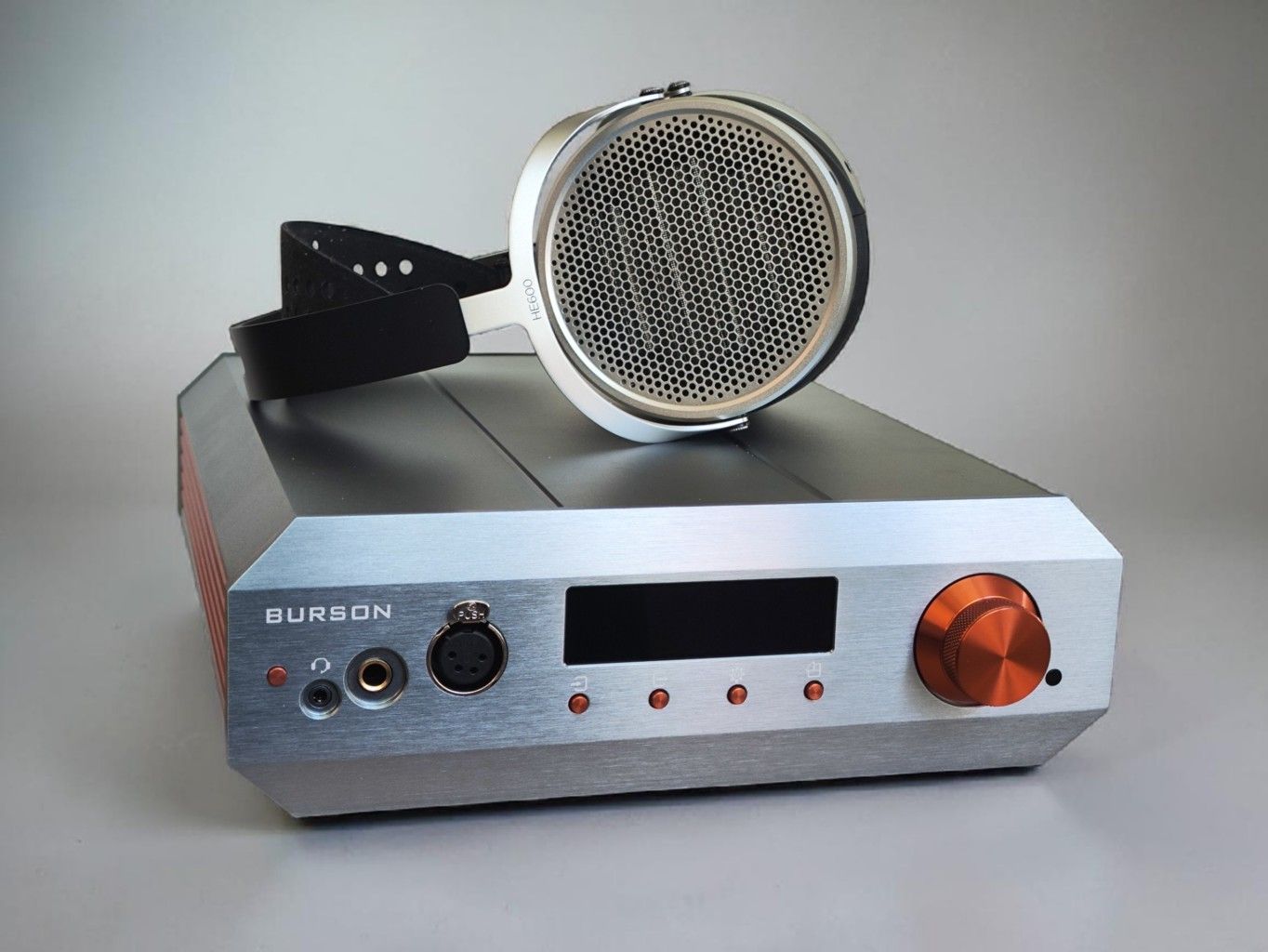
HIFIMAN HE600
28 ohms – 94 dB/mW
The HiFiMan HE600 launched in August 2025 and, as the name suggests, aims to build on the heritage of the legendary HE6. It is a completely different driver which is much easier to drive for the amplifier, so this is more of a tribute than a successor.
The Burson Conductor Voyager works very well with the HE600. It sounds open and airy, the sound stage is large, and the imaging is very good. It feels very neutral, well balanced, and technically impressive.
Comparing the HE600 across the various amplifiers, the KYLIN and BHA-1 are very similar to each other, both with that nice warmth, while the V222/V226 and Burson Conductor Voyager sound more open but less warm. The Mytek THX AAA is somewhere in between.
Fusion Core: When I swap out the Super Charger switching power supply for the Fusion Core power supply, the difference is not mindblowing. However, consulting my notes and comparing it to the other amps, the Burson seems to be a tad smoother and slightly more organic sounding with the Fusion Core.
- Amazon: Hifiman HE600
- AliExpress: Hifiman HE600
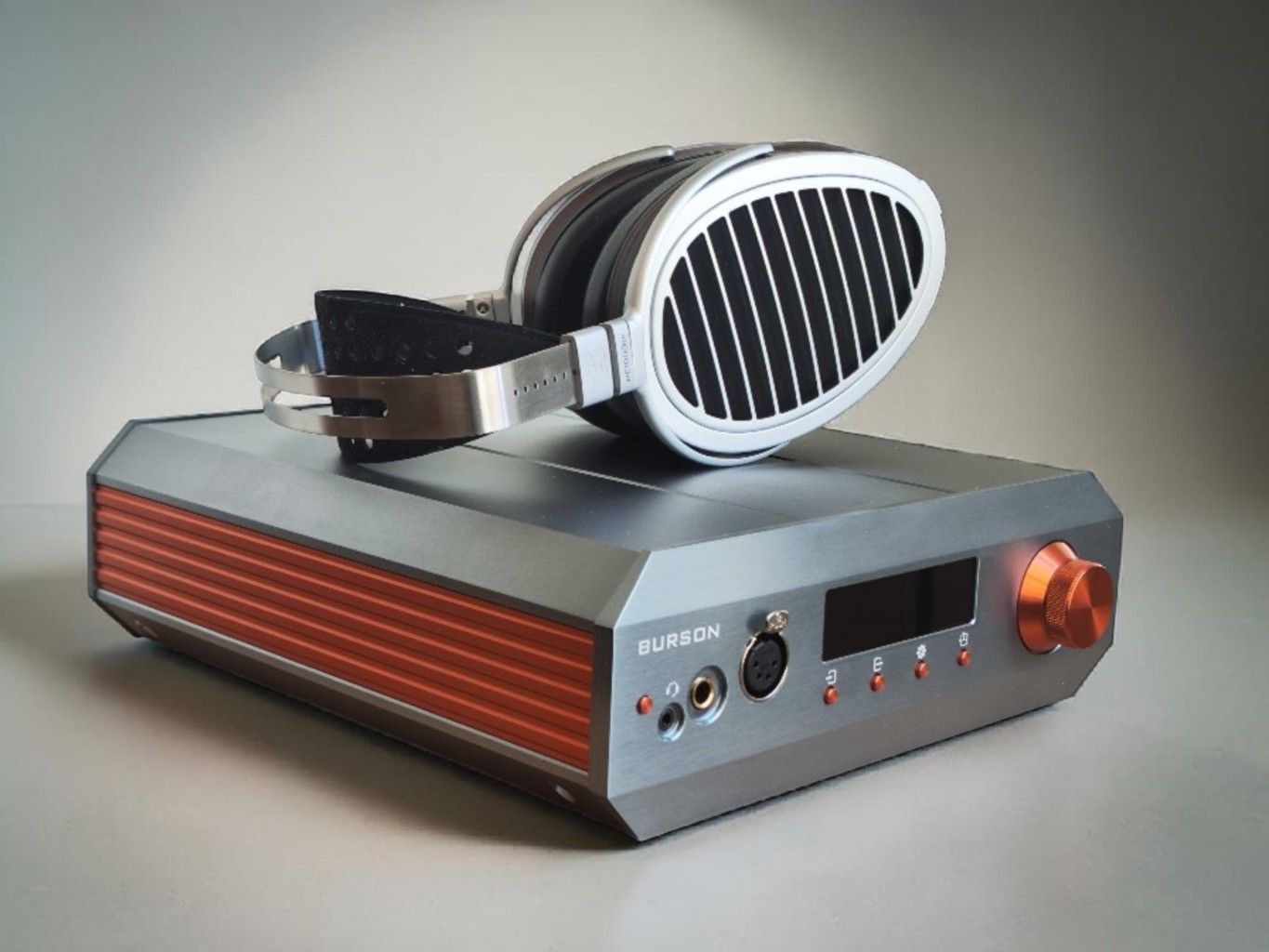
HIFIMAN HE1000SE
35 ohms – 96 dB/mW
The HE1000SE launched all the way back in 2018 but is still going strong. There are rumours of silent revisions, though. My set is from 2025.
The HE1000SE is not a particularly difficult headphone to drive, and the Conductor Voyager offers lots of detail and a great sense of instrument separation and a very black background. The HE1000SE is not the warmest sounding headphone around, and if you want coloration, the Conductor Voyager will not give you that. It is very neutral sounding.
Comparing the five amplifiers to each other, the differences again aren’t huge, but they’re still not identical. The KYLIN is the warmest sounding, followed by the BHA-1, Mytek THX AAA, Burson Conductor Voyager, and the V222/V226, in that order. The Conductor Voyager might deliver a bit more detail; the KYLIN is maybe the least articulate. However, they are all very close and all very good.
HIFIMAN HE6SE
50 ohms – 83.5 dB/mW
The HE6SE was a true attempt at a real revival of the legendary HE6. The driver isn’t identical, but it is similarly demanding on the amplifier’s power and voltage resources, being extremely low in terms of sensitivity.
The Burson Conductor Voyager is specified to deliver 10 W in 16 Ohm. In 32 Ohm it’s 5.2W and 100 3.5W do I’d guess it can feed the HE6SE around 4.5W in 50 ohms..
Still, the HE6SE sounds very good on the Burson. Comparing it to my speaker amp rig consisting of the 100 W Schiit Vidar 2 and an HE adapter, it does not feel like the Burson lacks power. It sounds maybe a bit more refined and nuanced, while the Vidar 2 is a bit more meaty and punchy.
Comparing the five, or six amplifiers when the Vidar 2 is included, is interesting. If I were to pick two amplifiers specifically for the HE6SE, the Burson Conductor Voyager and the Vidar 2 would be my top picks.
The Conductor Voyager is slightly more refined, the Vidar 2 slightly more punchy. The others are not too far behind, though. I think the least capable in this regard is the KYLIN. The Bryston is quite warm and nicely in control, the Mytek THX AAA is very neutral and quite impressive. The V222/V226 is good, on the same level as the Mytek, but lacks a bit of punch and dynamics in comparison to the best options.
- Amazon: Hifiman HE6SE
- AliExpress: Hifiman HE6SE
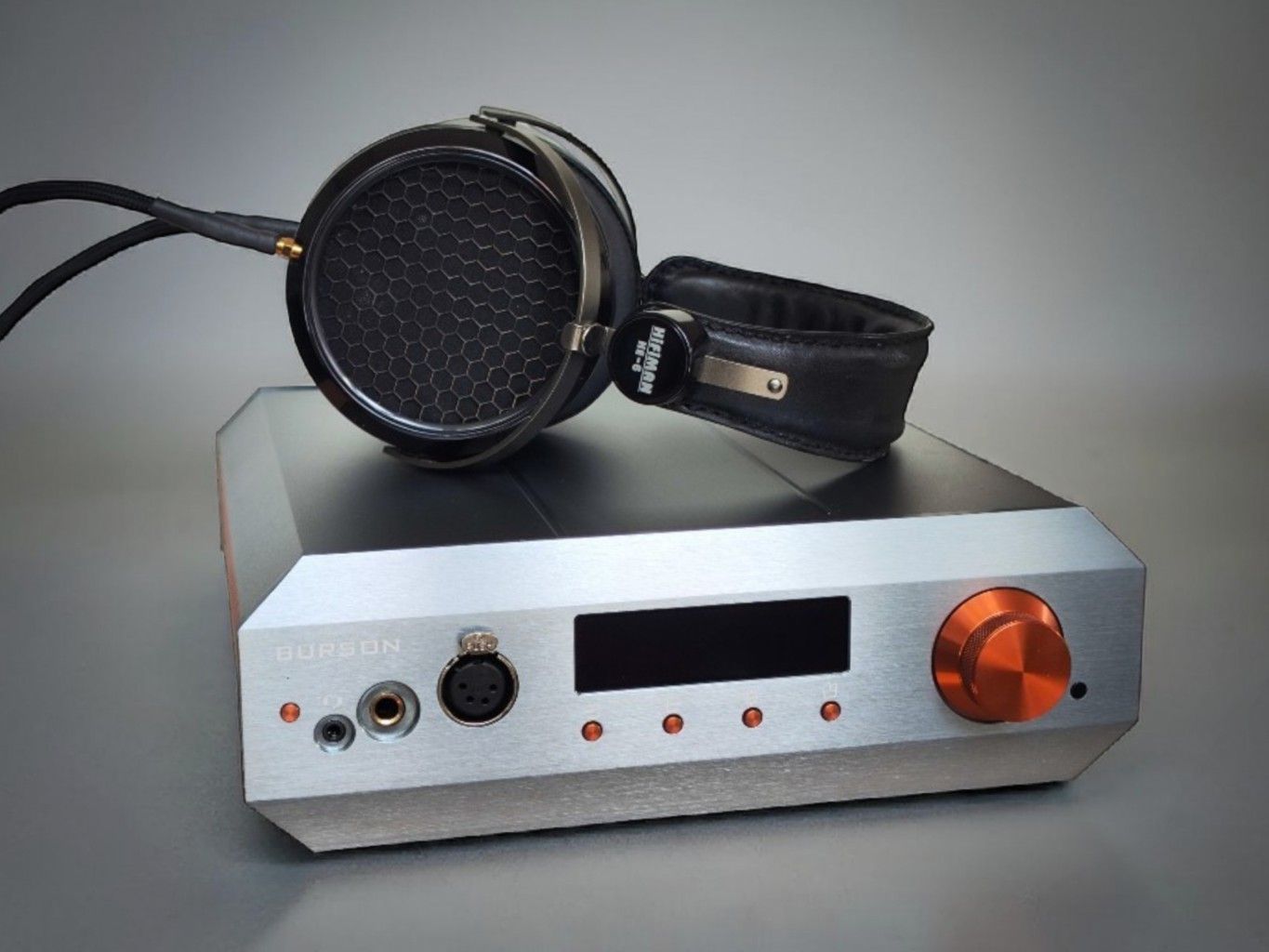
HIFIMAN HE6 OG (original)
50 ohms – 83.5 dB/mW
With the original Hifiman HE6, however, the Burson is less impressive, which is a bit surprising given how relatively well it did with the similarly demanding HE6SE.
Don’t get me wrong, it does a good job but nothing extraordinary. I think the Bryston BHA-1 and Violectric V222/V226 are better, and the Schiit Vidar 2 even more so.
Interestingly, Hifiman has recently released what they claim to be an almost identical remake of the original HE6, called the HE6 Remastered. Link here:
- AliExpress: HE6 Remastered
AUDEZE LCD-X (2021)
16 ohms – 103 dB/mW
The LCD-X is not a very difficult headphone to drive. My version is from 2023; there was a slight revision in 2024 making the headphone slightly brighter, but that change is reportedly very subtle and should not affect amplifier considerations.
The Burson Conductor Voyager does a very good job driving the LCD-X. It is very detailed and the tonality is great, neither too bright nor too dark. Very balanced and neutral.
Comparing the five amplifiers, they all do a very good job, and the differences are extremely small. However, some sound more dynamic and weighty than others. The KYLIN and BHA-1 are maybe my favourites when it comes to tonality and dynamics; the V222/V226 are very close, so is the Mytek THX AAA.
I find, interestingly, the Burson Conductor Voyager to be the least dynamic sounding of the bunch, but the differences are so small that it really doesn’t matter.
That said, I must mention that both the Mytek and the KYLIN have a slight background hiss with the LCD-X. It does not bother me and you cannot hear it when music is playing, but if you are very sensitive, it might be a deal breaker for you with those two amps.
The Burson doesn’t have a hiss with the LCD-X (on the low power setting).
- Amazon: LCD-X
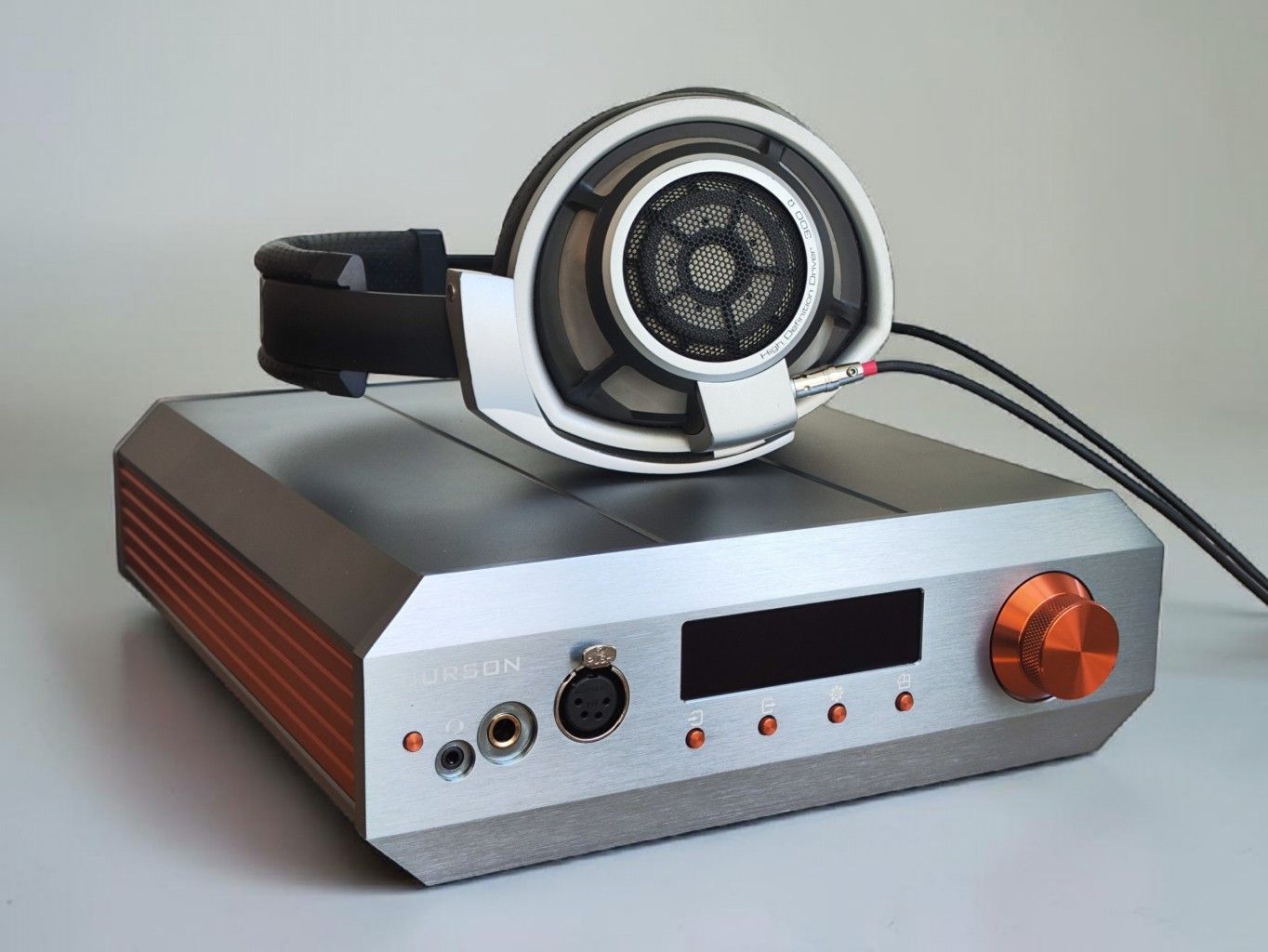
SENNHEISER HD800/HD800S
300 ohms – 102 dB/V
My personal Sennheiser HD800 unit is slightly modified in several ways, including an SDR module.
I used to own the HD800S too, but my modified HD800 sounds better to me, though not radically different. However, when it comes to amplification, they are basically the same. If an amplifier is good for the HD800, it’s good for the HD800S. They have the same driver, and it’s all about controlling it in the best possible manner.
The Burson Conductor Voyager drives the HD800/HD800S well. It is extremely detailed, but the tonality is a bit bright. To me it is a bit fatiguing; there is a bit too much treble and a slightly dry timbre.
Comparing the five amplifiers, the Burson Conductor Voyager is the brightest sounding, the KYLIN is the warmest sounding. The Violectric is closer to the Burson, the Mytek THX AAA is in the middle, and the BHA-1 is the second warmest. I prefer the Mytek THX AAA, BHA-1, and KYLIN over the Burson and Violectric. Detail level and technical performance are pretty much equal, the two brightest do not offer more detail, as far as I can tell, than the other three.
Fusion Core: when I add the FC power supply to the Burson, I think it becomes a tad smoother than with the Super Charger PSU. The difference is, however, quite subtle.
- Amazon: HD800S
DAN CLARK AUDIO ETHER 2
16 ohms – 92 dB/mW
This gem of a headphone is sadly discontinued, but it is beloved by many owners; it is often available secondhand and even seems to be available new with the link below. It is a planar magnetic headphone, known for its slightly dark tuning.
The Burson does an eminent job with the DCA Ether 2. It is very clean and punchy with a nicely balanced tonal character.
Comparing the five amplifiers, they all do a good job with the DCA Ether 2. Differences are very small. The Burson and V222/V226 are very similar. The Mytek is very close but maybe a tiny tad fuller sounding, the BHA-1 and KYLIN even a small tad meatier. But again, the differences are minuscule in the big picture, and I would recommend all five amplifiers wholeheartedly for this headphone.
- Audio Sanctuary: DCA Ether 2
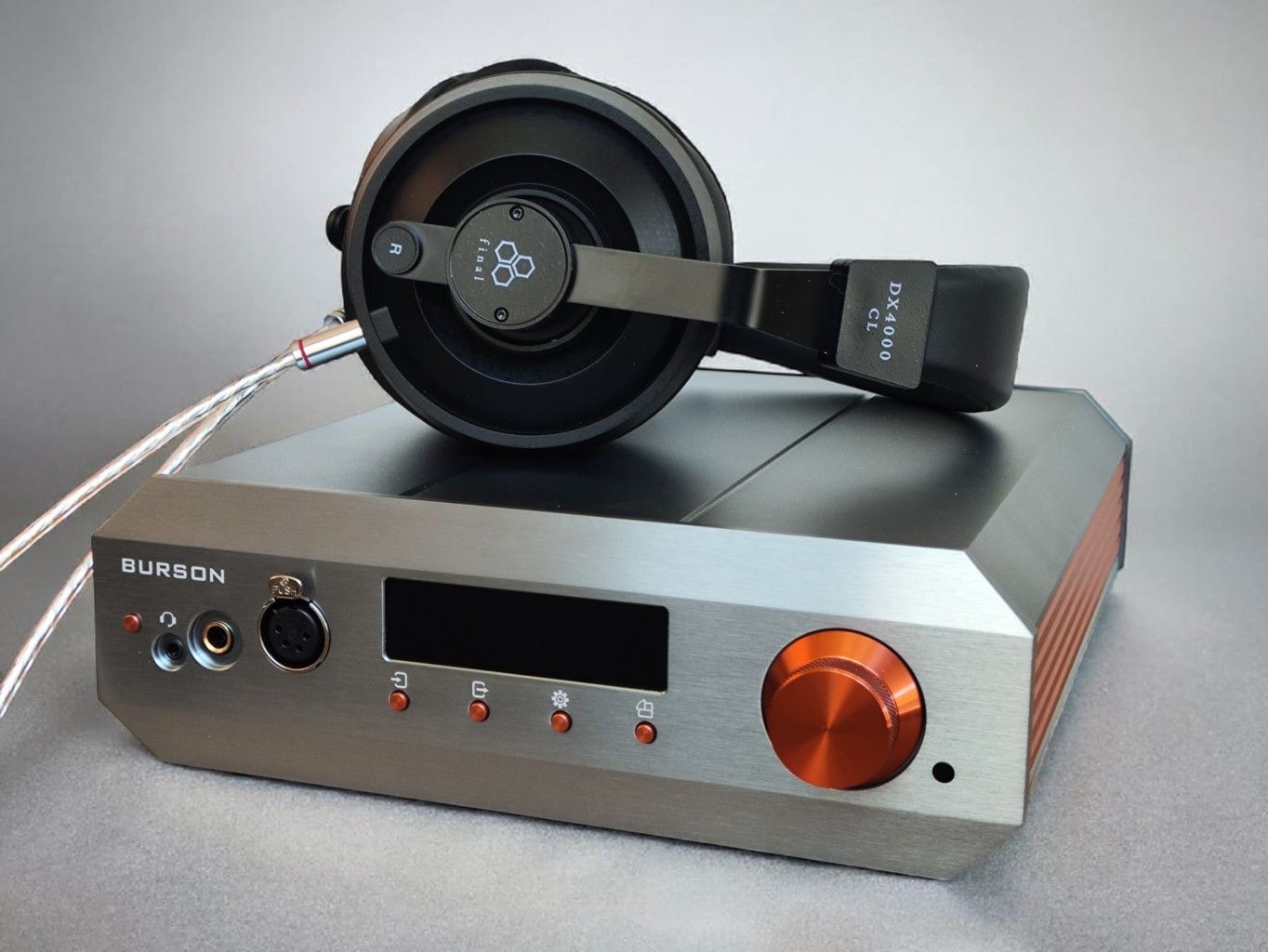
FINAL DX4000CL
37 Ohms – 94 dB/mW
The Burson Conductor Voyager sounds excellent with the FINAL DX4000CL closed-back headphones. It’s very neutral and detailed.
Comparing it to the Violectric V222/V226 and Bryston BHA-1, all three sound great; there’s not too much difference between them with this headphone.
FOCAL CLEAR MG
55 Ohms – 104 dB/mW
The Focal Clear MG is a dynamic driver headphone that followed in the footsteps of the revolutionary Clear.
The Burson Conductor Voyager sounds very open and airy with the MG. The sound stage is large and the imaging is excellent.
Comparing the five amplifiers, the Conductor Voyager might be the airiest, followed by the V222/V226. The Mytek THX AAA It’s very close. The BHA-1 and KYLIN have a slightly more warmth. All deliver plenty of detail.
- Amazon: Focal Clear MG
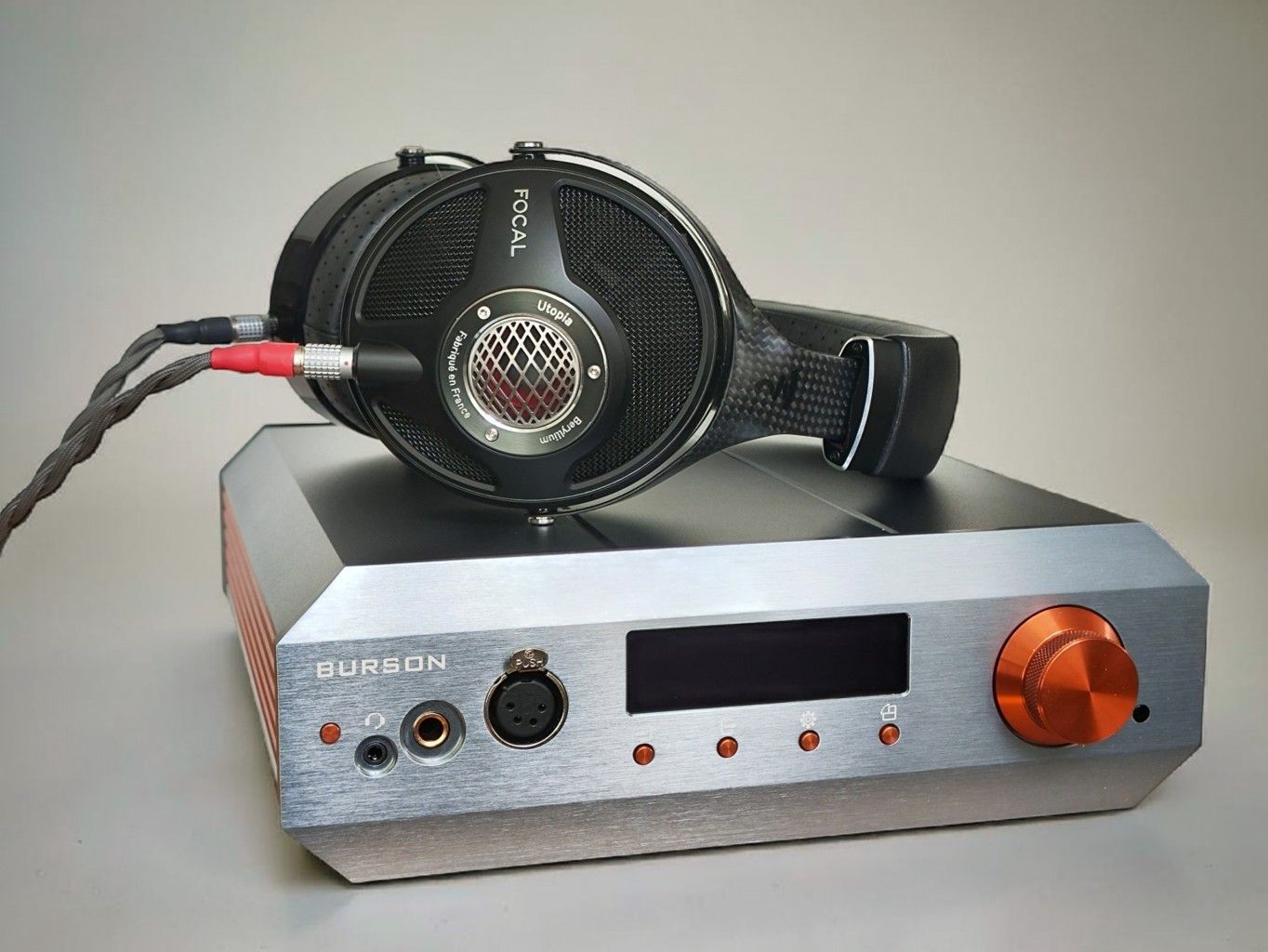
FOCAL UTOPIA
32 Ohms – 104 dB/mW
The Utopia was released as a statement piece from Focal and marked their entry into the high end headphone market.
It is a true top of the line headphone. I have the original version, not the 2022. The original is a bit brighter and more picky on the amplifier matching, but when it gets the right pairing, I personally think it might be even better than the slightly. warmer sounding 2022 revision. They are, however, very similar on paper, and amplifier matching should be quite similar too.
The Burson Conductor Voyager and the Utopia sound stunning – extremely airy with fantastic imaging. Even though the Conductor Voyager does not add much warmth, it does not exaggerate the Utopia’s brightness either. It feels like the Voyager is very neutral, not adding any coloration.
Several amplifiers, when combined with the Utopia headphones, give me listener fatigue after a while. The Conductor Voyager does not. Even though it doesn’t add any warmth or sound dark in any way, it is just incredibly detailed and a worthy partner for the Utopia.
Comparing the Burson to other great amps, the Violectric V222/V226 is very similar in character, the BHA-1 a bit warmer. All very good options.
Fusion Core: when I add the FC power supply to the Burson, things feel slightly smoother, but the difference to the performance with the Super Charger PSU is subtle.
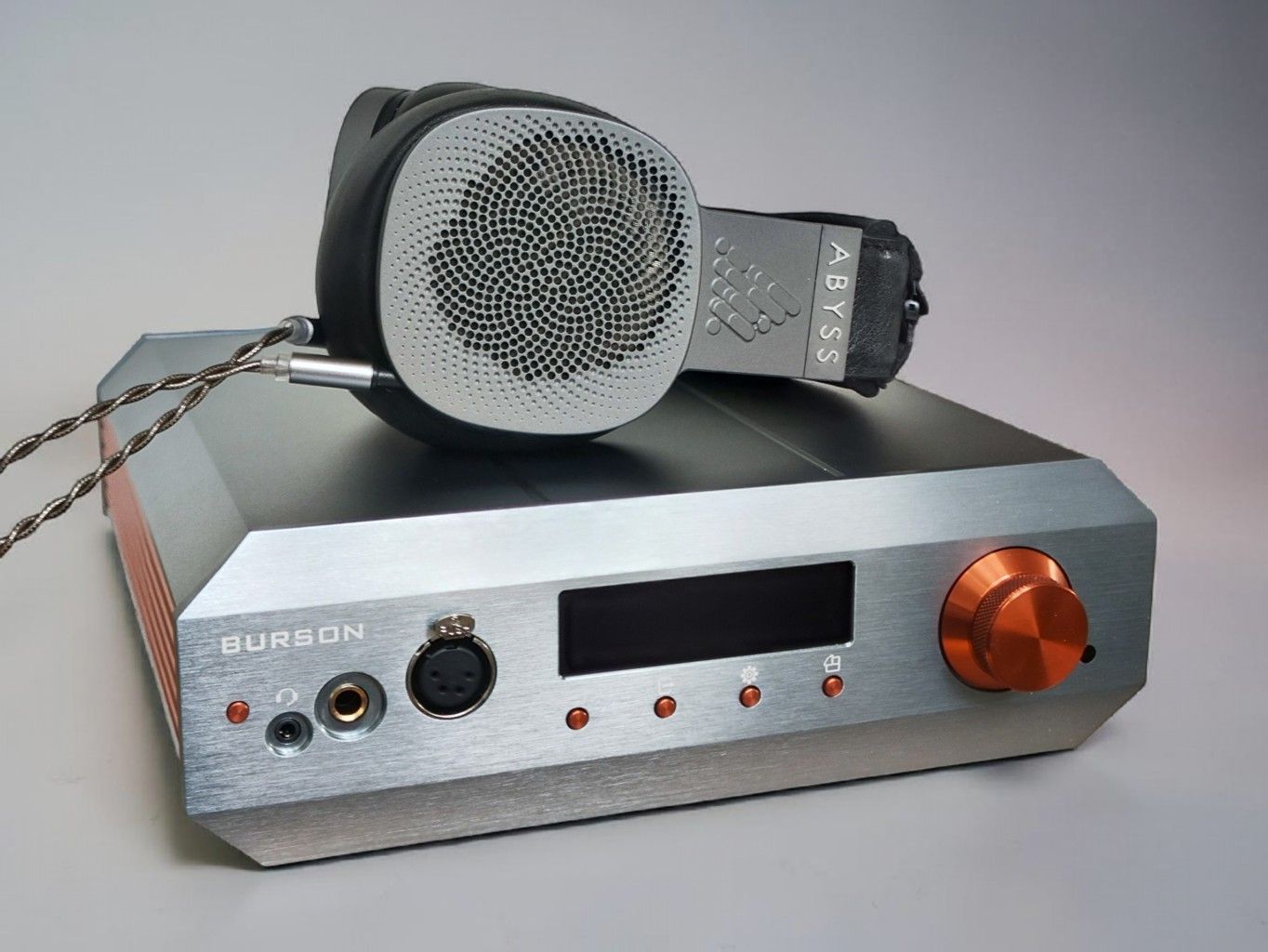
ABYSS DIANA PHI
32 Ohms – 91 dB/mW
The Burson Conductor Voyager does a good job with the Diana Phi as well, but the Violectric V222/V226 and Bryston BHA-1 sound more dynamic and explosive, the Burson maybe a bit more refined.
Fusion Core: when I add the FC power supply to the Burson, the tables turn; I actually slightly prefer the Burson to the other amps on all parameters with the Fusion Core connected. It made a bigger difference with the Phi than I expected.
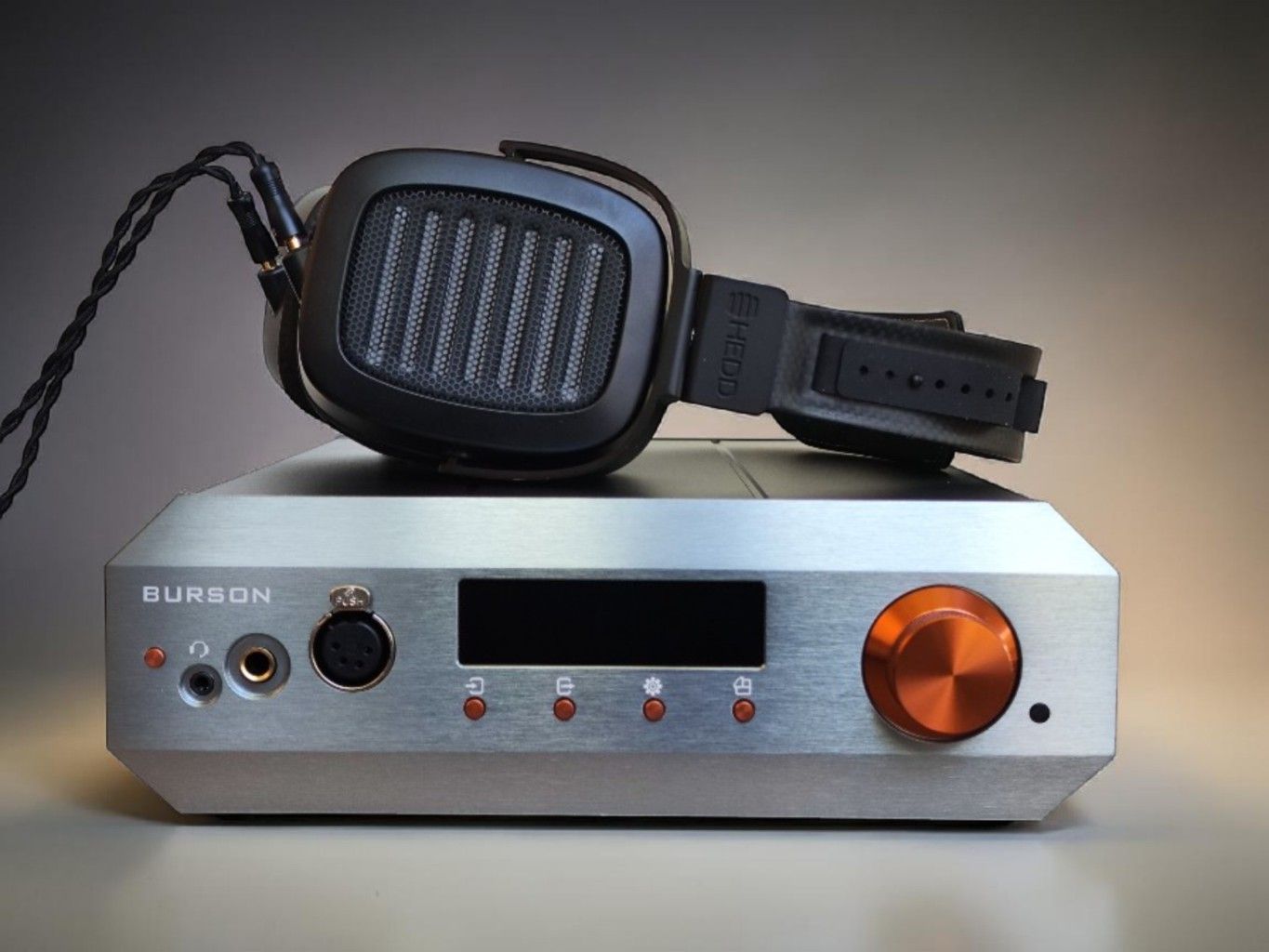
HEDDPHONE TWO GT
41 Ohms – 88 dB/mW
With the HEDDphone TWO GT, the Burson Conductor Voyager, Mytek Liberty THX AAA, and Violectric V222/V226 are all very close to each other in tonal balance and overall performance. Their level of detail is very similar. If anything, the Burson may have a slight edge, although the difference is subtle enough that expectation bias cannot be ruled out.
The Sendy KYLIN and Bryston BHA-1 have a slightly warmer tuning, which I prefer. There’s a stronger sense of tonal weight.
Fusion Core: with the FC power supply upgrade, I find the Burson to sound weightier and more dynamic than with the Super Charger. Comparing it to the Bryston BHA-1 and Violectric V222/V226, I now prefer the Burson over both, in terms of tonality as well as technical performance.
DIGITAL SECTION
At the heart of the Conductor Voyager is the ESS9039PRO DAC chip, the most advanced chip from ESS Technology.
However, even the best chip needs to be set up in a proper design to perform at its best. Burson has built fully discrete I/V and LP stages which are custom-tuned for the 9039PRO, with dual mono architecture and Burson V7 opamps.
The ESS9039PRO DAC offers 24 filter and path settings. Burson has selected the one they find to perform the best with the Conductor Voyager, and you’ll find them in the settings menu. I haven’t tested them out thoroughly, they make only minor differences to the sound as far as I can tell.
KEY POINTS DIGITAL SECTION
- ESS9039PRO DAC Chip
- Optical S/PDIF (Toslink) input (24-bit/192kHz)
- RCA COAX S/PDIF input (24-bit/192kHz)
- USB-C XMOS input – supports native DSD512 and 32-bit/786kHz PCM.
- Bluetooth 5.0 (Qualcomm CSR8675): Streams in LDAC, aptX HD, and AAC up to 24-bit/96kHz
- Roon Tested: Seamless integration with any Roon Ready system
- Low-latency design for gamers.
ADC CONVERSION OF ANALOG INPUTS
Analog purists won’t like this, but Burson has chosen to convert all analog inputs to digital before reconverting them. They do it this way because they (presumably) think it’s the better way. There are good reasons to choose digital over analog signal processing, and reasons not to. It all depends on how it’s done. In the Conductor Voyager it’s done like this:
When you use the analog inputs (XLR or RCA), the analog input signal passes through an Analog-to-Digital Converter, specifically a Cirrus Logic CS5381 chip. This ADC chip converts the analog signal to a digital high resolution 24-bit/192kHz signal. The digitized signal is then sent through the Conductor Voyager’s own digital section with the ESS Sabre ES9039PRO DAC chip. This performs the attenuation (digital volume control) and adds optional filters/digital processing before being converted back into analog.
As mentioned, ADC signal processing of analog inputs is often frowned upon by analog purists, but if done with high-quality signal processing, it might be better than the analog alternative – which always adds some analogy distortion. Anyway, ADC processing is done many times on the music production side, so one more time might not hurt as much as some might be prone to think.
Further, this digital signal processing does not mean that if you use an outside digital or analogue source it will not sound different from the Burson’s digital inputs. Let’s say you use an R2R or tube DAC; the sonic characteristics will still be there when you run it through the Burson, but you will not get a higher analog resolution than the ADC process handles.
That said, I find it a bit superfluous to use an external DAC with the Burson Conductor Voyager. If you want to use a different digital source, you might rather buy the analog Burson Soloist instead.
DAC PERFORMANCE
In 2026, digital-to-analog converter (DAC) technology has brought us to a place where there is a lot less difference between good DACs than there used to be. Unless you specifically go for a special tuning with tubes or R2R (even though those are starting to sound very neutral as well), all are very close in sound, basically all are tuned to sound as neutral as possible, all have a lot of detail, and you generally need a very resolving rig to have a chance to tell them apart.
With high-end audio DACs, it seems there is a threshold. As long as the DAC passes that threshold, it is good enough for basically every application unless you approach ultra high-end territory. I generally consider my main DACs, the RME ADI-2 DAC FS and Ferrum Erco mk 2, both to be good enough for all my setups. They both pass the said threshold.
I tested the Conductor Voyager DAC in two ways: with the competing DACs as inputs to the Burson, and with the Burson as output to external amps.
Using several sets of resolving headphones, including my HiFiMan HE1000SE and Focal Utopia, I most of the time had problems telling the built-in DAC of the Burson Conductor Voyager Deluxe apart from the ADI-2 DAC FS and the Erco mk2, and if anything, the built-in Burson DAC was better.
DAC/AMP PERFORMANCE
I compared the Burson Conductor Voyager to the three DAC/Amps I had at hand: the Ferrum Erco mk2, the RME ADI-2 DAC FS, and the Sendy Audio KYLIN.
Now, these units have more of a difference to them in terms of general character and tonality as DAC/Amps than they do as pure DAC units, and preferences might be a bit different and vary from headphone to headphone.
However, all in all, I find that the Burson Conductor Voyager Deluxe is the better DAC/Amp of the four.
POWER SUPPLIES
The Burson Conductor Voyager relies on a 24 V input of minimum 5 A with a standard 5.5/2.5 mm barrel connector with positive center.
This means that you of course cannot plug it directly into the wall; you need a 24 VDC external power supply unit. For the Conductor Voyager, there are, as mentioned, three options – Standard, Deluxe and Max.
The Conductor Voyager that ships with the two most expensive PSUs also has internal upgrades, which is the unit I am reviewing. The difference between the PSUs are this:
- Deluxe Package: Super Charger PSU, a special switching power supply which outputs 24V / 5A.
- Max Package: Fusion Core PSU, a GaN-transistor power supply which outputs 24V / 15A.
SUPER CHARGER
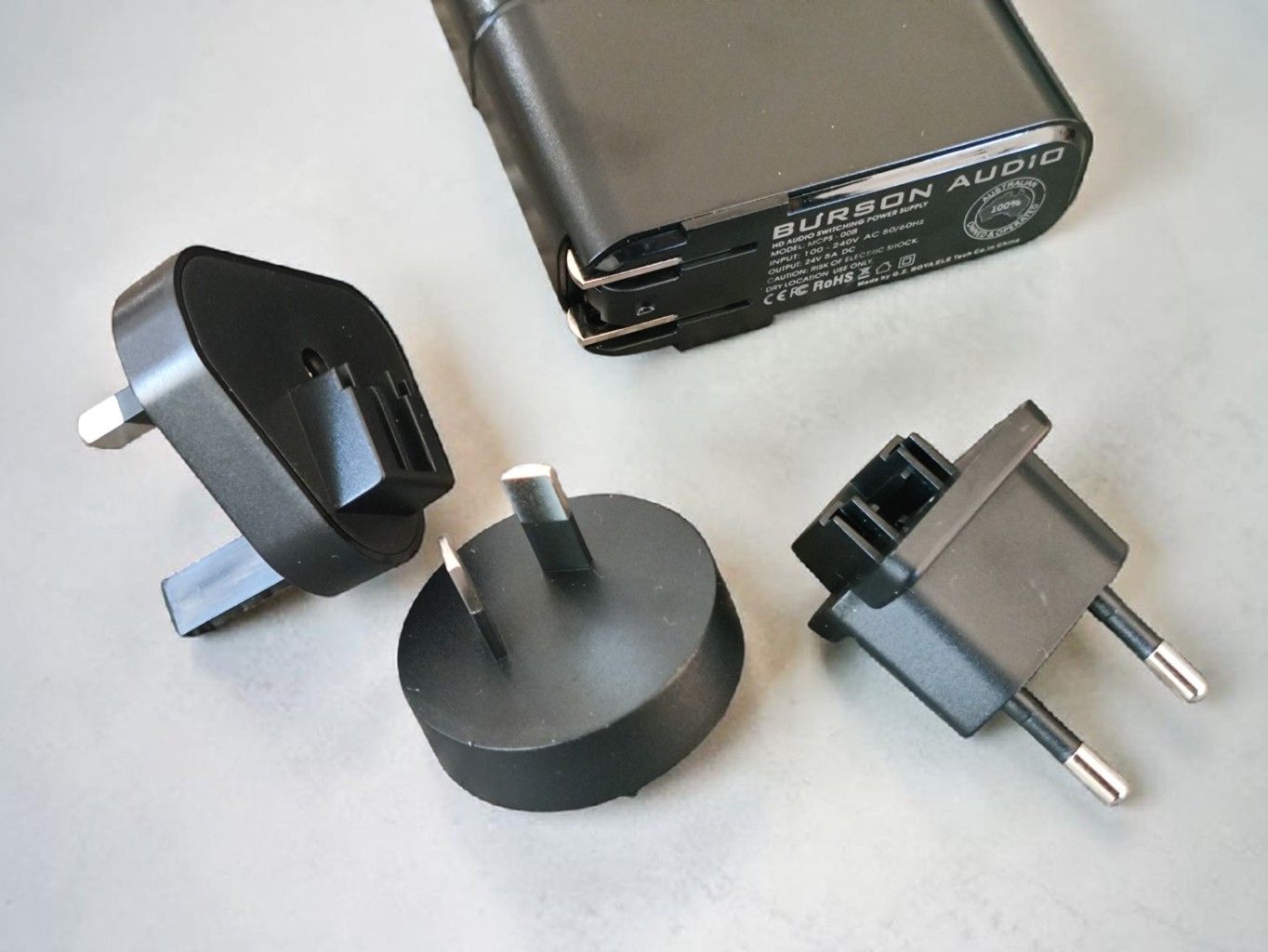
For most of this review (unless explicitly stated otherwise), I have used the Super Charger. It’s sold in a package that costs 600 USD more than the standard PSU-package, but you get several internal upgrades as well. Sold separately, it’s currently 384 USD.
It was Burson’s best option until they released the Fusion Core. It is also way more compact, as it’s just a huge “wall-wart.” It relies on a switch mode design, which often has a bad reputation, but when done correctly, can work very well with extremely low distortion.
FUSION CORE
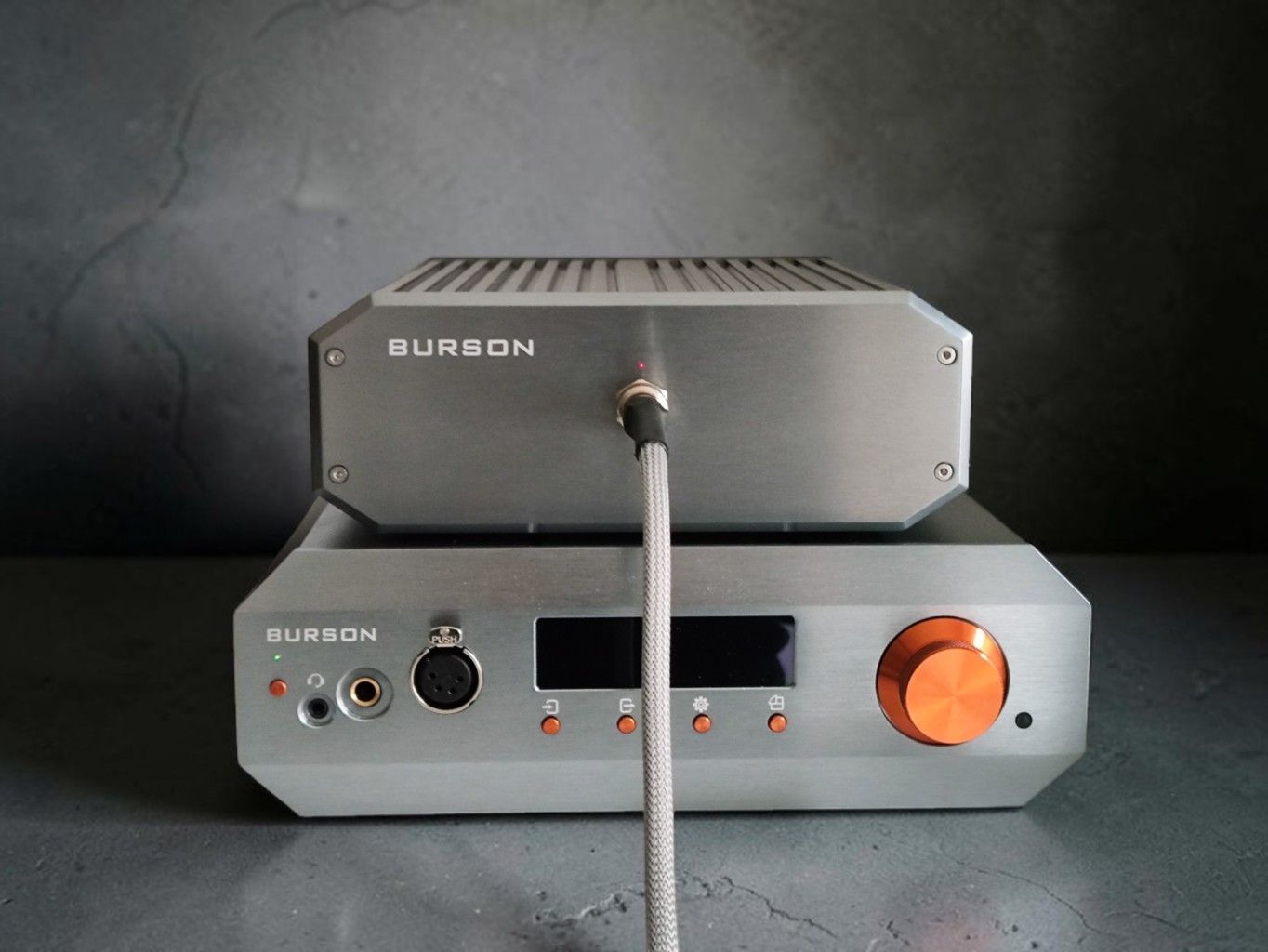
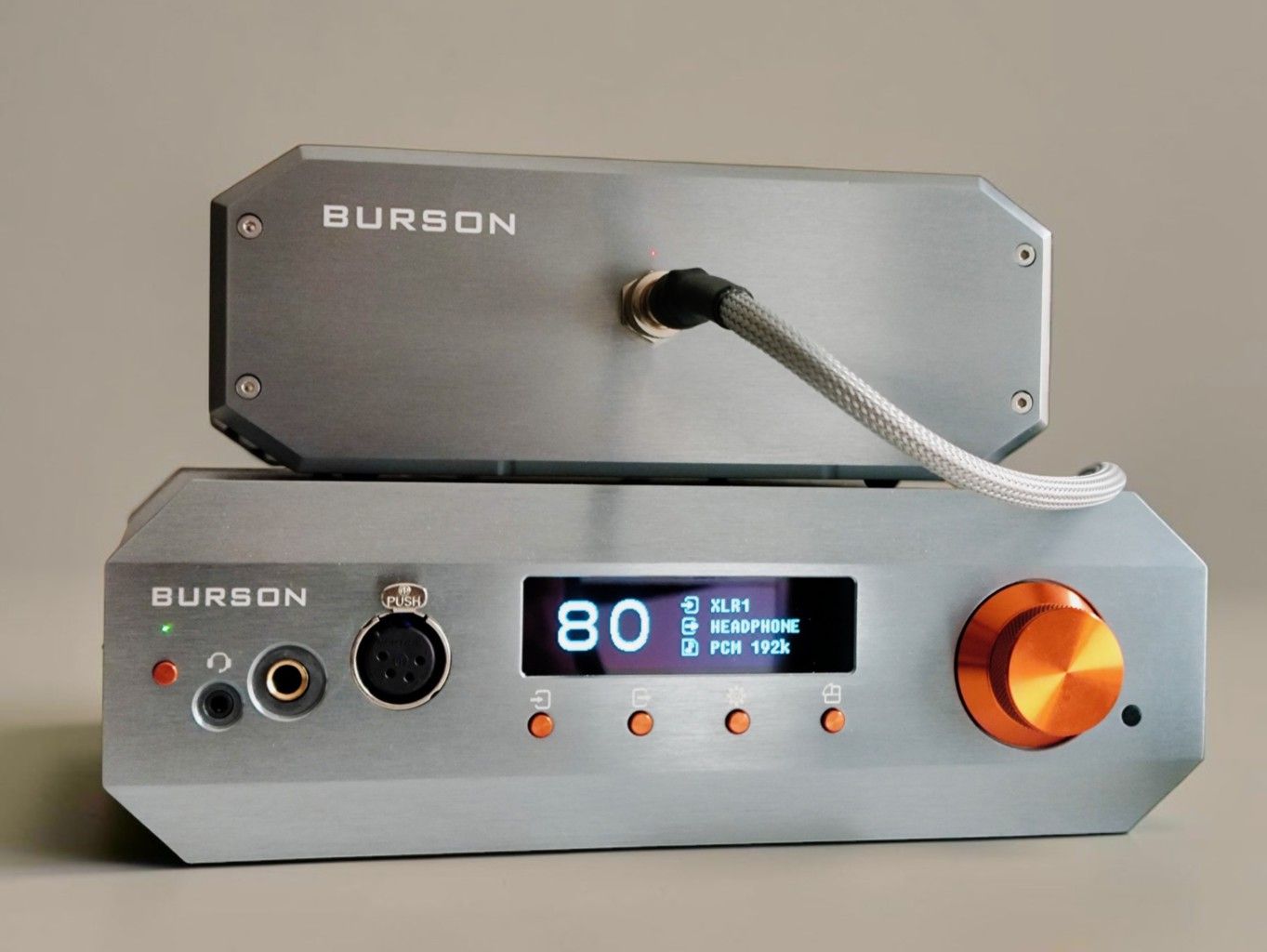
The Fusion Core costs 600 USD more when bought in a package; separately it’s 999 USD. It’s a massive Gallium Nitride (GaN) transistor-based PSU and delivers 15 amperes of current, as opposed to the 5 amperes of the Super Charger. However, for headphone and DAC use, that might be overkill – Burson uses the Fusion Core for their speaker amps as well.
Even though the Fusion Core offers more power and even better performance, you should consider that it also introduces an extra box in your system.
However, the Fusion Core comes with a 2-meter-long cable, which makes it easier to place discreetly.
Also, you do not have to reach the Fusion Core; there is no on/off switch on the unit, just the cable input, output, and an indicator LED light (blue when the Conductor is on, red when in standby).
PSU UPGRADE – WORTH IT?
People will tell you all sorts of things about different power supplies. Some say they don’t matter much; some will tell you different power supplies completely transform the product.
Unfortunately, neither I nor most users and reviewers get the opportunity to perform direct A/B comparisons. I cannot set up two parallel systems because I have only one Conductor Voyager. Switching back and forth is cumbersome, so I have to rely on my memory, my notes, and importantly, comparing the Burson to my other amps while consulting my notes.
FUSION CORE – EFFECT ON HEADPHONE AMPLIFIER PERFORMANCE
I did most of my listening using the Super Charger power supply, but I did systematically test the Fusion Core performance for headphone listening. You might have seen my comments about the Fusion Core in the “Listening Impressions” section above.
According to my findings, the headphone amplifier performance improved noticeably for the harder-to-drive headphones like the Abyss Diana Phi and HEDDphone TWO GT. The dynamics improved and the tonal weight was increased.
For the less demanding headphones like the HiFiMan HE600, Focal Utopia, and Sennheiser HD800, the power supply didn’t affect the sound that much.
The Fusion Core PSU can deliver much more current than the Super Charger (15A vs 5A), and it makes sense that it improves primarily the performance of the more power-hungry/less sensitive headphones.
In general, the Fusion Core power supply seems to improve the sense of smoothness in all headphones tested, but again, the improvement was quite subtle in less demanding headphones.
All in all, the Fusion Core is a very slight upgrade for most headphones, but a more significant one for headphones that need a lot of power. It is, however, much more bulky than the Super Charger and costs a fair bit more.
CONCLUSION
The Burson Conductor Voyager (Deluxe/Max) is a very capable all-in-one solution (DAC/Amp). Both the DAC and the headphone amplifier sections are on par with excellent standalone alternatives.
The display is very crisp, and the remote has the main functions needed for normal use. However, I’m not a huge fan of the user interface, which I find a bit inefficient and quirky. I also dislike that the unit gets very hot, and that there’s a cooling fan that makes a (very) slight noise during operation.
I tested both the compact Super Charger (switch-mode) PSU and the larger Fusion Core (GaN transistor) PSU. The Fusion Core sounds generally a tad better and makes a notable difference with hard-to-drive headphones.
There are not many high-end all-in-one solutions out there, and if the Burson Conductor Voyager has all the functions you need, it might be a very good option. It certainly performs well enough to be a true competitor to capable separates.
- Amazon: Burson Audio Conductor
Thanks for reading. You can support us by purchasing anything using any of our affiliate links.
Any purchase you make on Amazon, Linsoul , AliExpress or Audio46 with any of our affiliate links will give us a small provision at no cost to you.
We only get a provision for items that are not returned, so there’s no incentive for us to recommend something that’s not good.
Linsoul : Headphones, Earbuds, Wireless Earbuds, Desktop DAC/AMP, Portable DAC/AMP, Digital Audio Players,
Amazon: Headphones, IEMs, Headphone Amplifiers, Home Audio or Anything else.
.
If you enjoyed this article or other content on The Headphoneer, you might consider leaving a small donation to keep this website up and running. No donation is too small. Thanks for supporting us!

If you like our work please follow us on Instagram, Facebook and Twitter , it will help us grow. Sharing is caring 🙂